The video explains that Multi-Chain Protocol (MCP) is a simple adaptation of Remote Procedure Call (RPC) for large language models, allowing users to create and register custom tools—such as accessing a vector database of LinkedIn posts—to enhance AI capabilities and personalize content generation. It also demonstrates integrating an MCP server with Claude Desktop, encouraging viewers to build their own tools for various applications and highlighting parsity.io as a resource for learning more.
The video explains that MCP (Multi-Chain Protocol) is essentially just RPC (Remote Procedure Call) adapted for large language models (LLMs), and it doesn’t have to be complicated. The creator emphasizes that setting up an MCP server is straightforward: you expose the server, create tools that provide additional functionality for agents, and register these tools with a name, description, and the actual functionality. This allows agents to use capabilities they don’t inherently have.
As an example, the creator demonstrates building a tool that accesses a vector database in Pinecone containing all their LinkedIn posts from the past 3 to 5 years. This tool enables the AI to write content that sounds more like the creator’s authentic voice rather than generic AI-generated text. The vector database stores hundreds of posts, and the tool helps the agent retrieve relevant content to inform new writing. For viewers unfamiliar with vector databases, the creator recommends visiting parsity.io for more information.
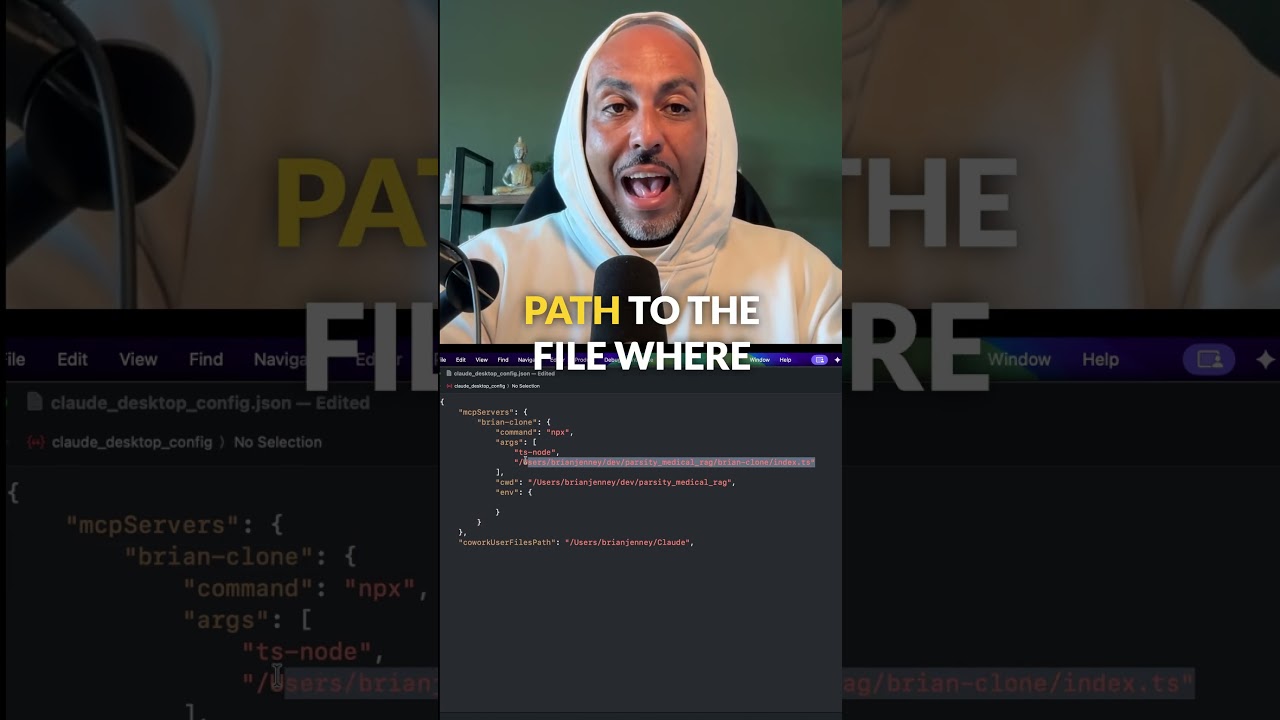
The video then walks through how to integrate this MCP server with Claude Desktop, a popular AI interface. By going into the developer settings, users can add their MCP server by specifying its name, the command to run it, the file path, and any necessary environment variables. After restarting Claude Desktop, the local MCP server becomes available for use, allowing the AI to leverage the custom tools created on the user’s machine.
Using the LinkedIn writing tool as an example, the AI can now look up the creator’s past posts and analyze their popularity and impressions. This functionality is valuable not only for generating new content that aligns with the creator’s style but also for reflecting on how their opinions have evolved over time. The video highlights the practical benefits of such tools for content creation and personal insight.
Finally, the creator encourages viewers to build their own MCP tools, suggesting endless possibilities such as posting on LinkedIn, analyzing YouTube analytics, or even responding to comments. They stress that hands-on building is a more effective way to learn than passively watching tutorials. The video closes by inviting viewers to visit parsity.io to learn more and expresses hope that the explanation was helpful.