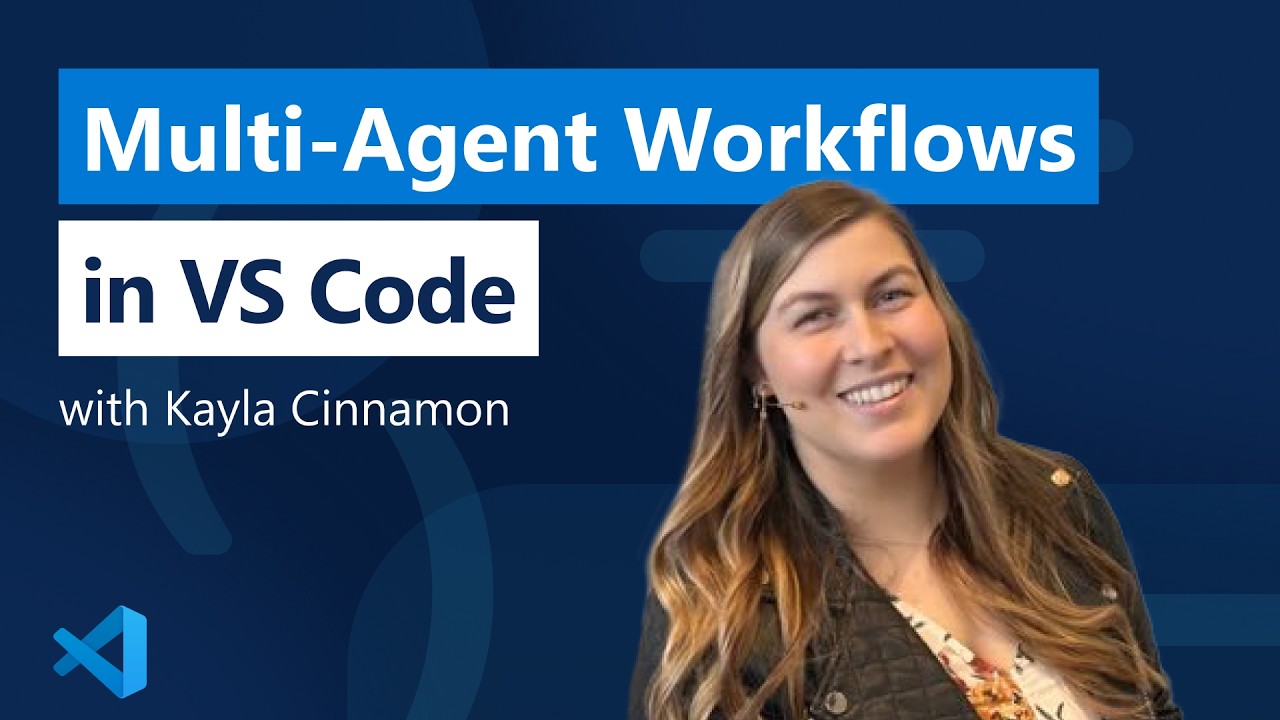
The video demonstrates how to use multiple AI-powered sessions in VS Code to work on different project tasks—such as UI design, backend development, and documentation—in parallel, each with a specialized AI model. This multi-session workflow boosts productivity by enabling simultaneous progress on separate parts of a project while minimizing code conflicts and bottlenecks.
The video demonstrates how to use multiple AI-powered sessions in Visual Studio Code (VS Code) to work on different aspects of a project simultaneously. The presenter introduces a log analyzer project that utilizes the Copilot SDK to analyze log files and provide summarized insights. They explain that VS Code allows users to run several sessions in parallel, each powered by different AI models, enabling efficient multitasking and parallel development.
To showcase this, the presenter outlines three tasks they want to accomplish: adding multiple color schemes to the website, implementing backend storage for log files to compare past and present logs, and creating thorough documentation for users. For each task, they start a new session in VS Code, selecting the most suitable AI model for the job—Cloud Sonnet 4.6 for the color schemes, Claude Opus 4.6 for backend architecture planning, and GPT-4 for documentation. This approach allows each task to progress independently without interference.
The presenter emphasizes the importance of avoiding conflicts by ensuring that each session works on a different part of the codebase. They also mention an alternative workflow using the Copilot CLI’s work tree feature, which creates separate work trees for each session, further reducing the risk of code conflicts when working locally.
As the sessions complete, the presenter reviews the results: the color scheme options are successfully added to the website, the backend architecture plan is ready for review, and the documentation is generated in markdown format. They highlight how this parallel workflow enables rapid progress on multiple tasks, all without overlapping changes or bottlenecks.
Finally, the video encourages viewers to leverage VS Code’s multi-session capabilities and experiment with different AI models tailored to specific tasks. The presenter also notes that users can streamline their workflow further by enabling autopilot or bypassing approval steps, allowing the AI to proceed without manual intervention. The overall message is that using multiple sessions in VS Code can significantly boost productivity and efficiency when working on complex projects.