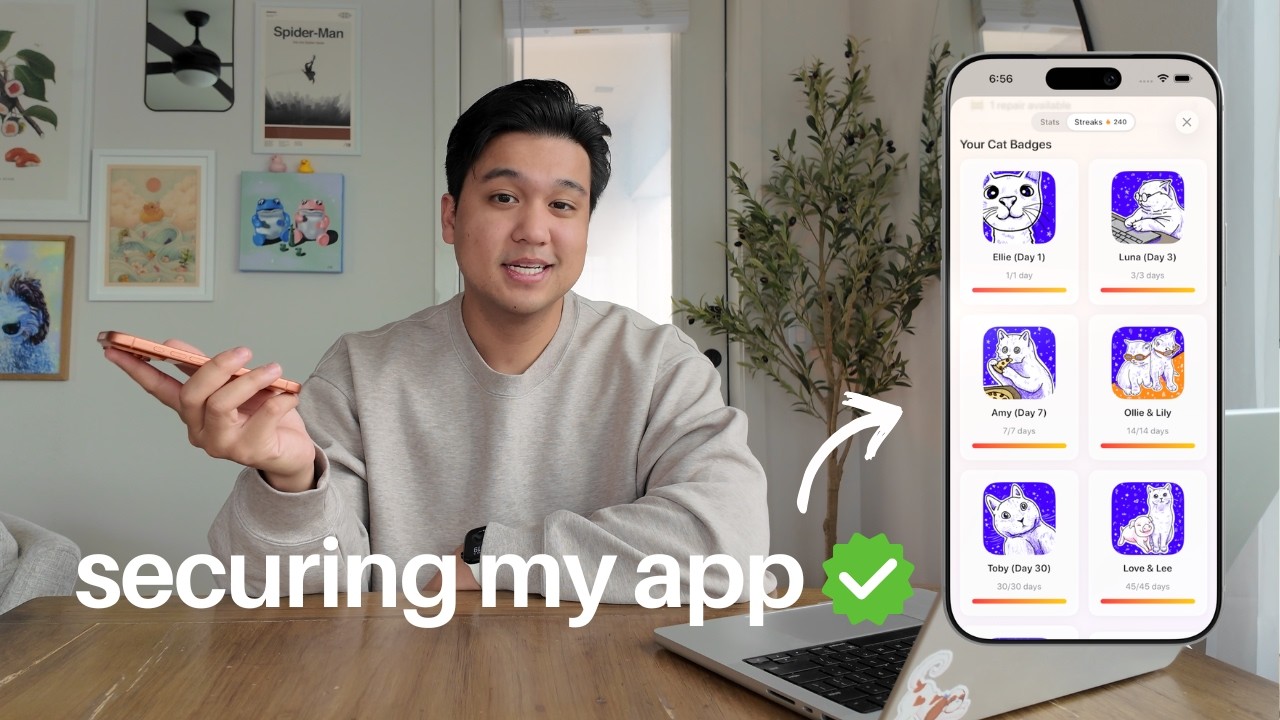
In this video, Chris, an experienced iOS and React developer, shares his recent experience of having his app hacked and discusses the most common security mistakes he sees, especially in apps built quickly with AI tools or using platforms like Supabase and Firebase. He emphasizes that the video is not a comprehensive security guide but focuses on the most prevalent issues he’s encountered, particularly with “vibe coded” (AI-assisted) apps. Chris’s goal is to help other developers avoid the mistakes he’s made himself, highlighting the importance of learning from real-world consequences.
The first and most critical issue Chris addresses is misconfigured Row Level Security (RLS) or Firebase Security Rules. He explains that while platforms like Supabase and Firebase allow direct front-end access to databases for rapid development, this approach relies heavily on correctly configured security rules to prevent unauthorized data access. Chris recounts how a misconfiguration in his own app allowed users to manipulate their subscription status and rate limits, potentially leading to financial loss. He notes that even AI tools like Claude and Cursor can miss nuanced security flaws, especially when sensitive data is stored in user tables.
Chris’s second major point is the lack of proper rate limiting on backend endpoints. He warns that relying solely on front-end restrictions is ineffective, as attackers can easily bypass them and directly access backend APIs, potentially incurring massive costs or causing service disruptions. He recommends implementing both per-user and IP-based rate limits on the backend, and stresses the importance of not storing rate limit data in user-editable tables—a mistake he made himself. These precautions are vital even for apps without AI features, as usage-based billing can lead to unexpected expenses.
The third common mistake is making sensitive API calls, such as to AI providers, payment processors, or cloud storage, directly from the front end. Chris explains that this exposes API keys and allows attackers to abuse services or manipulate data. He advises always routing such calls through a secure backend, using serverless functions if necessary, and never storing sensitive environment variables in the front end. Additionally, he highlights the importance of setting up budget caps and alerts with cloud providers to avoid catastrophic bills in case of a breach.
Finally, Chris addresses the question of whether AI-assisted or “vibe coding” is inherently insecure. He argues that, when used thoughtfully and with deliberate attention to security, AI tools can actually help catch vulnerabilities that human developers might miss, especially when fatigue sets in. However, he cautions that security still requires critical thinking and proactive testing—developers should try to “break” their own apps and think like attackers. Chris offers a free markdown checklist for auditing security and mentions an internal pentesting tool he may release publicly. He concludes by inviting viewers to share their own tips and feedback, and encourages them to subscribe for more content on building secure productivity apps.