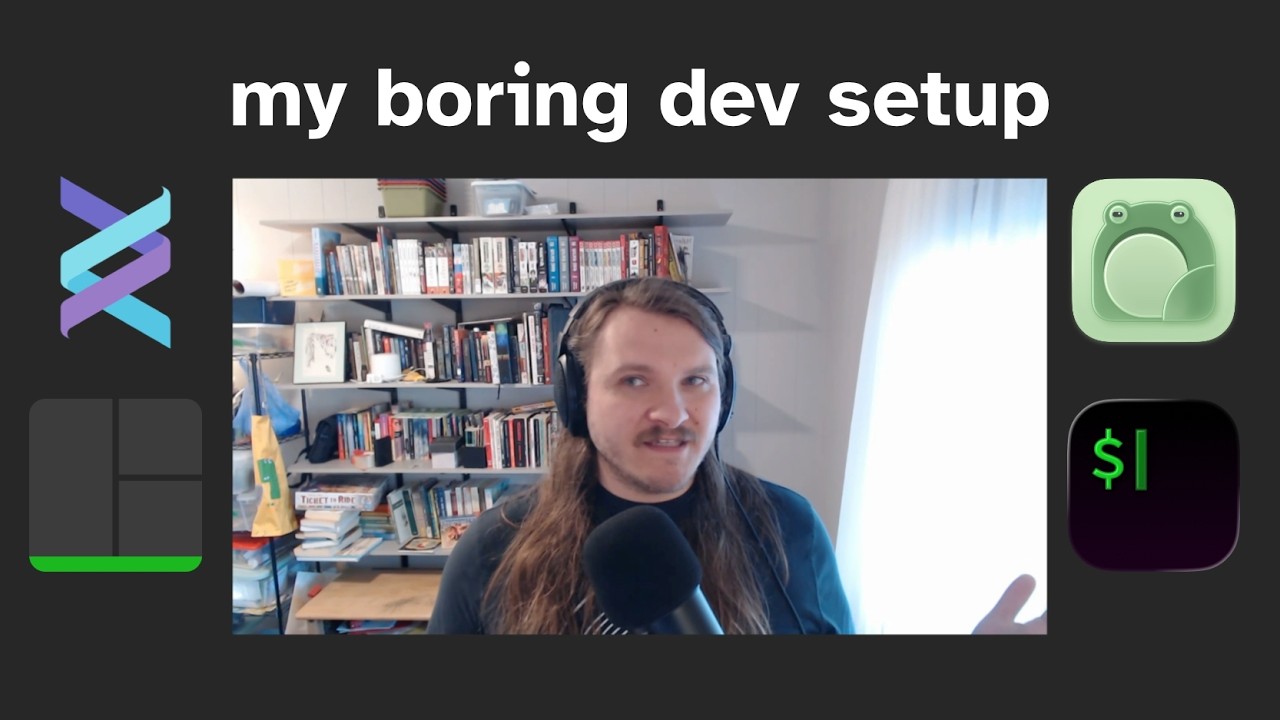
The video creator shares their current development setup, emphasizing simplicity, stability, and maintainability. They primarily work in the terminal on Mac OS using iTerm2, a terminal emulator they have favored for many years. Their workflow involves organizing code in a dedicated folder and using tmux, a terminal multiplexer, to manage multiple terminal panes and sessions efficiently. This setup allows them to run their editor, Helix, alongside command panes for tasks like running tests and monitoring logs, providing a robust and comfortable coding environment.
The editor of choice is Helix, which the creator has been using for a few months. Helix is described as a modern, Vim-like editor with built-in Language Server Protocol (LSP) support requiring minimal configuration. The creator appreciates Helix’s speed, stability, and simplicity, noting that it rarely crashes and avoids the complexity of heavy plugin ecosystems common in Vim or Emacs. They highlight features such as file and buffer management, fast searching, soft wrapping, and integrated documentation lookup, all accessible through a convenient space-menu interface.
For building and testing, the creator uses a tool called Just, which functions similarly to Makefiles, allowing them to run commands like tests, linting, and formatting checks with simple aliases. They also use command-line search tools like The Silver Searcher (ag) and ripgrep, although Helix itself handles much of the searching within projects. The workflow involves writing code, running tests frequently via the terminal, and occasionally using graphical editors like GRAM for complex find-and-replace tasks that are cumbersome in terminal editors.
The creator values the portability of their setup, which works seamlessly across Mac OS and Linux environments. They mention setting up a VPS running Ubuntu where they can quickly install tmux and Helix, then start coding with their minimal configuration intact. Their dotfiles and aliases are stored in a dedicated folder, making it easy to maintain consistency across machines. This approach aligns with their preference for less tinkering and more straightforward, reliable tools that let them focus on writing code rather than managing their environment.
Overall, the creator’s development setup is a blend of long-standing tools and newer ones, chosen for their efficiency and minimalism. They prioritize a terminal-centric workflow with tmux and Helix, supported by simple automation and search utilities. This setup reflects a desire for speed, stability, and ease of use, avoiding the complexity of heavily customized editors. The creator invites viewers to share their own setups, highlighting the fun and personal nature of choosing development tools.
Useful Links