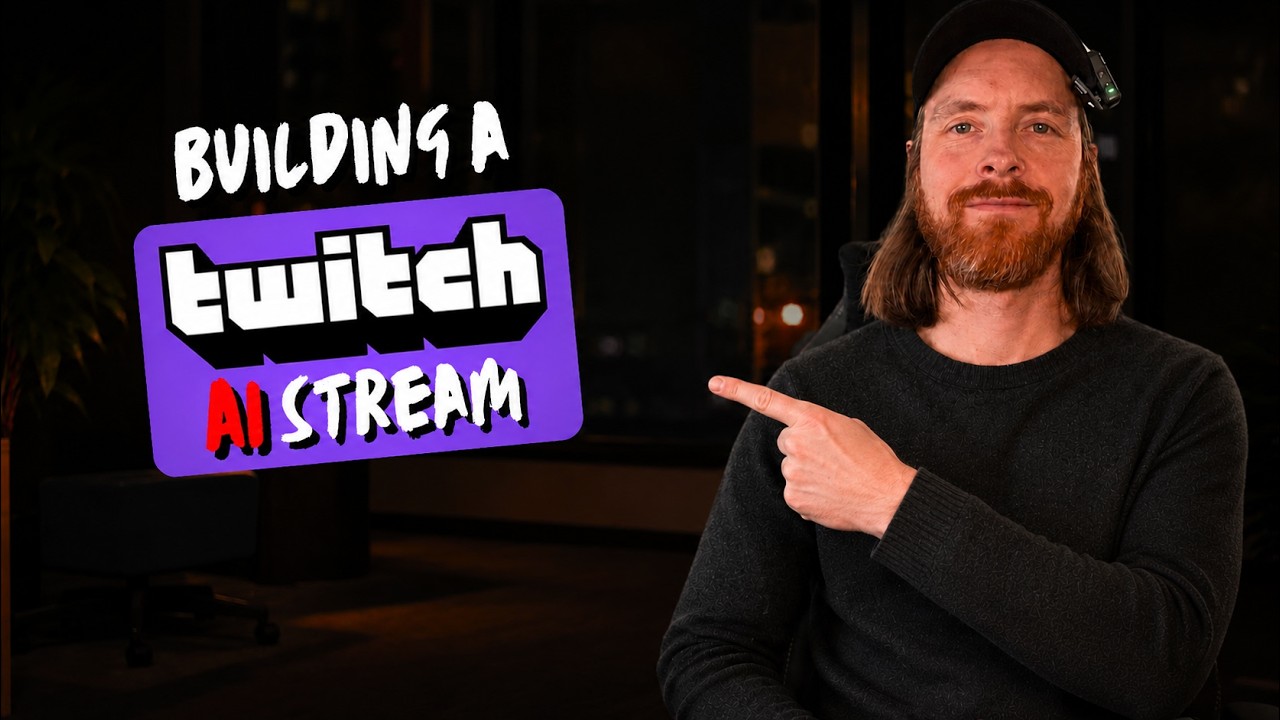
In this video, the creator embarks on an ambitious project to set up a hands-free AI-powered streaming system for Twitch, dubbed “AI Twitch.” The goal is to seamlessly switch between multiple devices and cameras during a live stream using voice commands and Twitch chat inputs. The setup includes various hardware like a DJX Spark, Mac Mini, and MacBook, all integrated through OBS with web socket support. The creator aims to enable commands such as “Switch to DJX Spark” or chat commands like “!park cam1” to control the stream autonomously, enhancing the streaming experience with AI automation.
To achieve this, the creator leverages Code Rabbit, an AI-powered code review and development workflow tool, alongside Claude Code, an AI coding assistant. The project is structured in phases, starting with a detailed Product Requirements Document (PRD) and a GitHub repository named “AI Stream.” Each phase involves planning, coding, running tests, and using Code Rabbit’s AI agent to review and improve the code autonomously. This iterative process ensures high-quality code and smooth development, with Code Rabbit providing real-time feedback and automated fixes.
The video demonstrates the integration of Code Rabbit with GitHub, showing how the AI agent reviews pull requests, identifies issues, and suggests improvements. The creator highlights the autonomous loop where Cloud Code and Code Rabbit collaborate to fix errors and enhance the codebase without manual intervention. This workflow not only streamlines development but also maintains code quality, allowing the creator to focus on building the streaming features rather than debugging.
Once the initial phases are complete, the creator showcases the functional streaming setup. Voice commands successfully switch between different devices and cameras, and Twitch chat commands also control the stream, demonstrating the system’s responsiveness and reliability. Additional features like push-to-talk dictation and FFmpeg listeners are integrated to support the hands-free experience. Although there is some minor lag, the overall system works effectively, fulfilling the creator’s vision of an AI-driven, voice-controlled streaming environment.
In conclusion, the creator expresses satisfaction with the seamless integration of Code Rabbit and Claude Code in building this autonomous streaming setup. The project serves as a practical example of agentic engineering loops in software development. The creator plans to continue enhancing the system, potentially adding text-to-speech (TTS) and more advanced AI-driven stream controls in the future. Viewers are encouraged to check out Code Rabbit for their own projects, with the reassurance that it offers a free tier suitable for getting started. The video ends with an invitation to join the creator’s upcoming Twitch streams focused on AI automation.