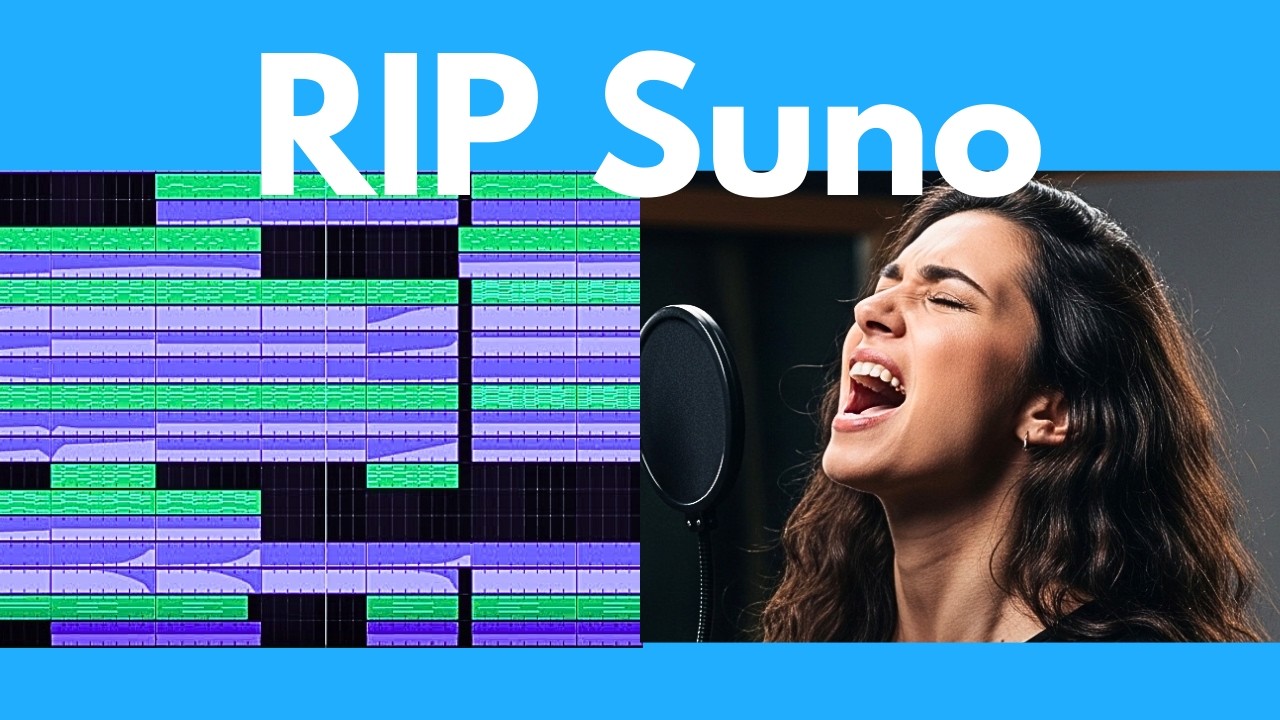
The video introduces AEP 1.5, a groundbreaking open-source AI music generator that stands out for its high-quality, studio-grade music generation. Unlike previous open-source models, AEP 1.5 produces clean, impressive audio across a wide range of genres and languages, including heavy metal, Indian fusion, country folk, K-pop, reggaeton, jazz, lo-fi hip-hop, and more. The model can handle both vocal and instrumental tracks, supports over 50 languages, and even allows for mixing languages within a single song. The presenter demonstrates several music samples, highlighting the model’s versatility and the professional quality of its outputs.
AEP 1.5 is notable for its efficiency and accessibility. It can run locally on machines with less than 4 GB of VRAM and even on CPUs, making it accessible to users without high-end hardware. The model is also extremely fast, capable of generating a full song in seconds, especially when using an RTX 3090 GPU. Benchmark comparisons show that AEP 1.5 outperforms other leading open-source and even some closed-source models, making it a top choice for anyone interested in AI-generated music.
The video provides a detailed, step-by-step installation guide for AEP 1.5. Users are shown how to install necessary dependencies like Python 3.11, UV, and Git, and how to clone the repository from GitHub. The installation process is straightforward, with a user-friendly graphical interface that eliminates the need for additional tools like ComfyUI. The presenter walks through the process on Windows, but notes that instructions are available for Mac and Linux as well.
Once installed, the video explains how to use the AEP 1.5 interface. Users can generate music from text prompts, specifying genres, lyrics, languages, and other parameters. Advanced features include the ability to micro-edit existing songs using the “repaint” function, which allows users to change specific sections of a track, and a “cover” feature that reinterprets the structure of an existing song in a new style. The interface also supports fine-tuning with LoRA adapters, though this feature is still in its early stages.
Finally, the presenter discusses additional capabilities, such as building custom datasets and training LoRA models for personalized music generation. While some features are still being developed, AEP 1.5 already offers a robust set of tools for both casual users and advanced creators. The video concludes by encouraging viewers to try out AEP 1.5, share their experiences, and subscribe for more AI news and tutorials. The presenter also promotes a free weekly newsletter for staying updated on the latest developments in AI.