In this video, Tris, a professional writer, introduces Obsidian as a powerful tool for writers to organize and manage their ideas effectively. He emphasizes the importance of externalizing thoughts from the mind to avoid losing clarity and depth, citing David Allen’s productivity principle that the mind is for having ideas, not holding them. Unlike traditional cloud-based writing platforms, Obsidian stores files locally on your computer, giving writers full ownership and control over their work, which enhances security, accessibility, and independence from internet connectivity.
Obsidian is fundamentally a markdown text editor with a flexible user interface that can be customized to function like a word processor, wiki, or database. It supports thousands of plugins that extend its capabilities, making it suitable for both non-programmers and technical users. Markdown formatting allows writers to focus on content without being distracted by presentation, speeding up the writing process by keeping hands on the keyboard and maintaining flow. This plain text approach also ensures long-term accessibility and compatibility with a vast ecosystem of tools beyond Obsidian itself.
One of Obsidian’s standout features for writers is its robust linking system, which allows easy cross-referencing between notes and documents, facilitating complex idea scaffolding and organization. The software also supports efficient editing workflows, such as moving paragraphs or sections with simple shortcuts or drag-and-drop in the mobile app. Built-in plugins like Scroll Offset, Lint, Wordy, and templating tools further enhance productivity by automating style checks, providing writing aids, and streamlining repetitive tasks. For more advanced users, plugins like Storyline offer comprehensive story development frameworks.
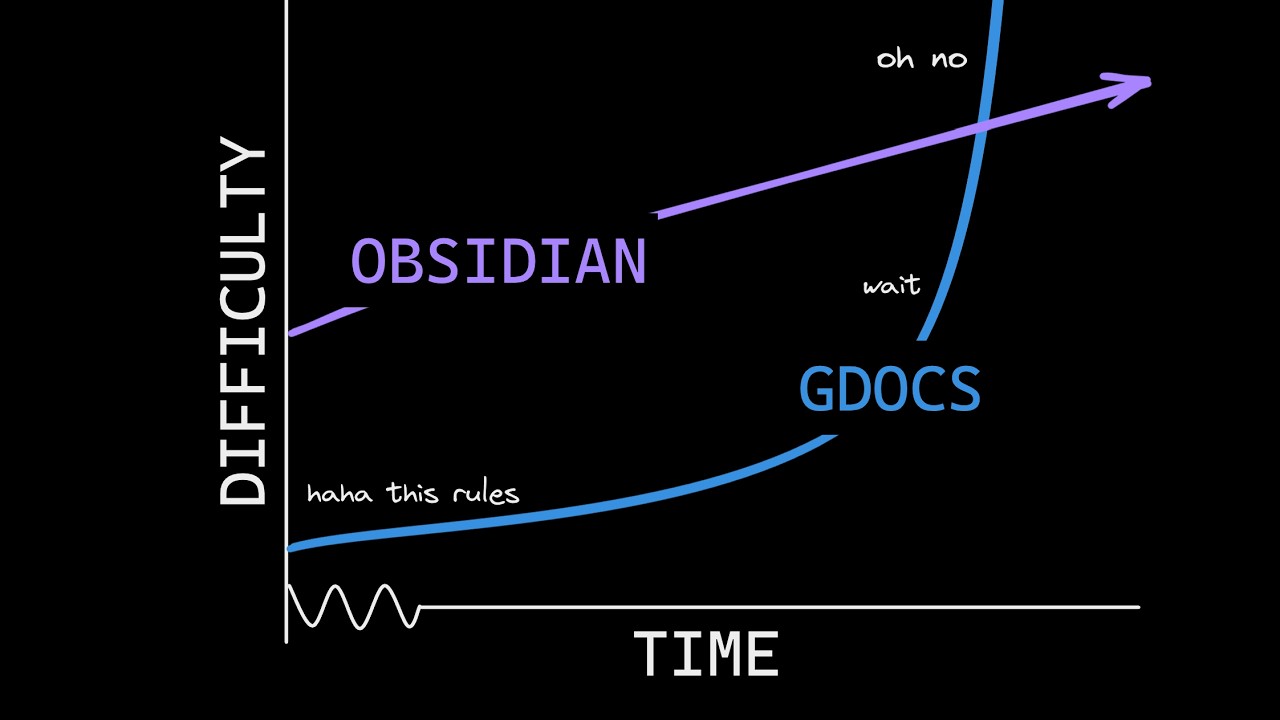
Despite its many advantages, Obsidian has a learning curve, especially for those accustomed to more visually guided platforms like Google Docs or Word. The interface is minimalist and requires some adjustment, but the payoff is a distraction-free, highly customizable writing environment. Printing and publishing require additional steps, such as converting markdown files to PDFs or Word documents, but this separation of writing and formatting aligns with best practices in writing and publishing. Collaboration is not a core feature but can be achieved through plugins or external tools like Git.
Tris concludes by highlighting the vibrant Obsidian community and the wealth of plugins available, cautioning against over-tinkering and encouraging writers to build a system that is “just good enough” for their needs. He also promotes resources such as his preconfigured writer’s vault, mentoring services, and a live deep-dive stream for supporters. The video underscores that Obsidian empowers writers by combining simplicity, flexibility, and ownership, ultimately enhancing the creative process and productivity.