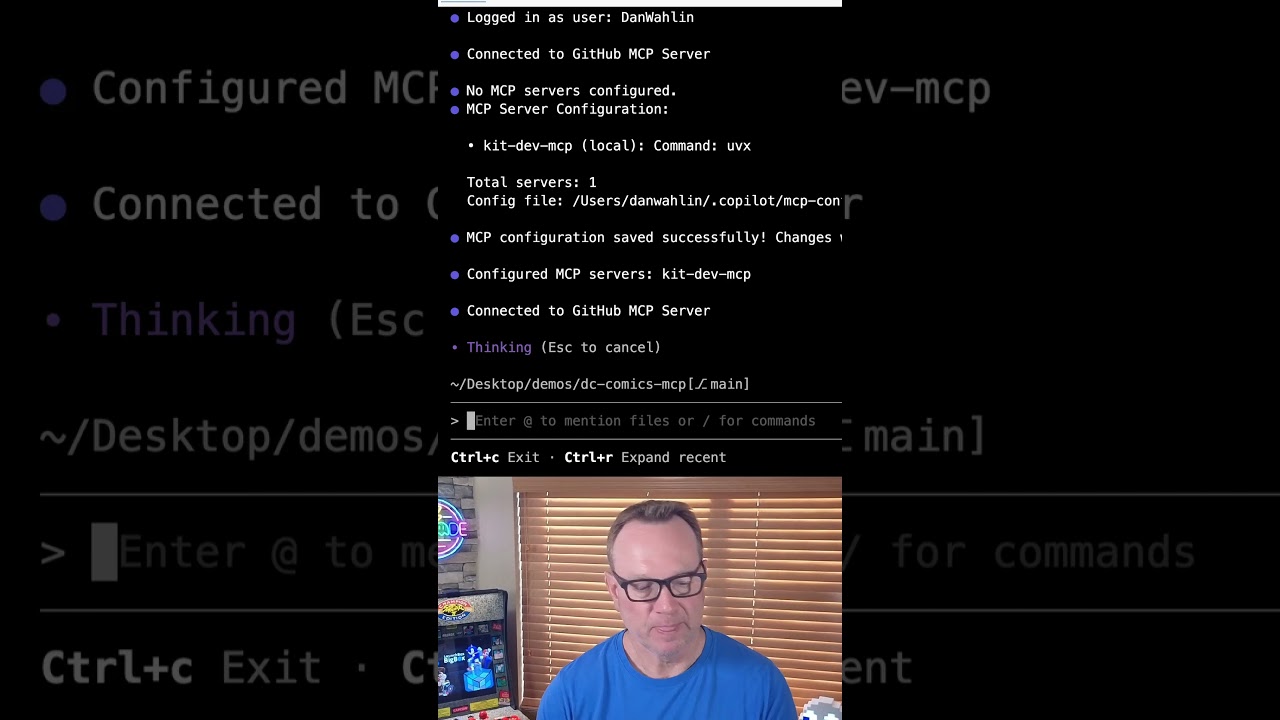
The video demonstrates how integrating an MCP server, specifically “kit dev for MCP,” with GitHub Copilot enhances code analysis by enabling advanced tasks like symbol extraction, entry point identification, and precise asynchronous function searches across complex repositories. It guides viewers through setting up the MCP server and showcases its ability to provide detailed, context-aware insights that significantly improve the coding workflow.
In this video, the creator demonstrates how using an MCP (Multi-Context Processing) server can significantly enhance the way they use GitHub Copilot. They explain that with an MCP server, they can perform advanced tasks such as deep documentation, research, code-based symbol extraction, pattern matching, and working with abstract syntax trees. The video aims to guide viewers through setting up an MCP server and showcases the powerful capabilities it unlocks when integrated with GitHub Copilot.
The specific MCP server used in the demonstration is called “kit dev for MCP.” The creator begins by showing the homepage for this tool and then walks through the installation process. They highlight the need to have the UV tool installed on the machine first, which is used to install kit dev. After installing kit dev, they proceed to configure the MCP server by adding it with a specific command and saving the configuration. This setup allows the MCP server to be recognized and used within the GitHub Copilot environment.
Once the MCP server is configured, the creator runs several commands to illustrate its functionality. First, they extract all the symbols from a repository, which involves running multiple tools and commands to gather comprehensive information about the codebase. This step demonstrates how the MCP server can provide detailed insights that would be difficult to obtain otherwise. The extraction process is quick and efficient, showing the practical benefits of integrating MCP with Copilot.
Next, the creator challenges the MCP server to find the entry point of a remote repository. Since the repository contains multiple languages and entry points, the MCP server correctly identifies that there are several possible entry points depending on the context. This example highlights the server’s ability to handle complex codebases and provide nuanced answers rather than simplistic or incorrect ones. It showcases the intelligence and flexibility that MCP servers bring to code analysis.
Finally, the creator asks the MCP server to find all asynchronous functions in the codebase using a search tool. Instead of a simple grep search, the MCP server runs a specialized tool that avoids false positives like matches in comments. It then provides a clear summary, breaking down the results by different options available in the repository. The video concludes with a recommendation for viewers to start using GitHub Copilot if they haven’t already, emphasizing how MCP servers can transform their coding workflow.