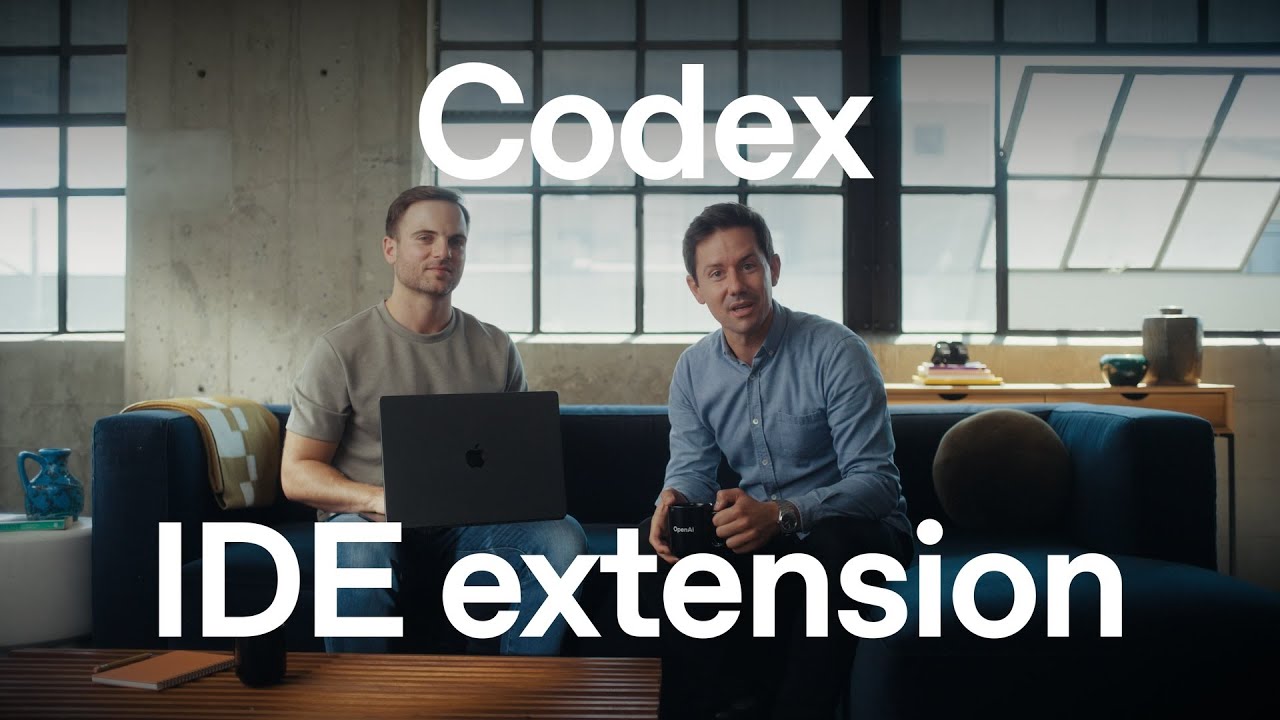
The video showcases the OpenAI Codex extension integrated into popular code editors, demonstrating its enhanced capabilities for understanding, navigating, and modifying code both locally and via cloud collaboration. It highlights features like auto context, multi-attempt code generation, and seamless task offloading, emphasizing how Codex transforms development workflows and encourages developers to explore its potential through the extension available with ChatGPT subscriptions.
The video introduces the OpenAI Codex extension for code editors, highlighting its evolution into a more capable and reliable coding collaborator. Roma, the host, emphasizes the importance of having Codex integrated directly into popular code editors like VS Code, Cursor, and Windsor, making it accessible wherever developers work. Gabriel, the engineering lead on the extension, joins to provide a detailed demonstration of Codex’s new features and capabilities within the IDE.
Gabriel showcases how Codex can assist with understanding and navigating code by asking it questions about specific code clauses, such as a return clause related to service workers. The extension includes an “auto context” feature that provides Codex with recent IDE activity to improve its responses. He then demonstrates how Codex can implement to-do comments automatically by initiating a local conversation that explores the codebase, runs commands safely in a sandbox environment, and makes changes that the developer can review directly in the IDE.
The video also highlights Codex’s ability to transition tasks from local development to the cloud, allowing developers to offload work and continue tasks remotely without burdening their local machine. This cloud integration enables seamless collaboration and task management, where developers can stash or discard local changes and retrieve them later from the cloud. Gabriel explains how this capability is transforming engineering workflows by enabling tasks to be shared and managed more flexibly.
Gabriel further demonstrates Codex’s creative potential by asking it to add a new button to the header with a unique feature beyond typical dark mode toggles. Codex Cloud attempts the task multiple times, generating different solutions that the developer can review and apply selectively. This multi-attempt approach allows developers to explore various design directions and feature implementations, making Codex a valuable tool for planning, refactoring, and solving complex bugs by examining problems from multiple angles.
Finally, Gabriel revisits the initial hover state task that was offloaded to Codex Cloud, showing how the extension has added hover effects to several UI elements. The video concludes with Roma encouraging viewers to download the Codex extension, which is included with ChatGPT subscriptions, from the OpenAI website or extension marketplaces. They express excitement about the possibilities Codex brings to coding workflows and look forward to seeing what developers build with it.