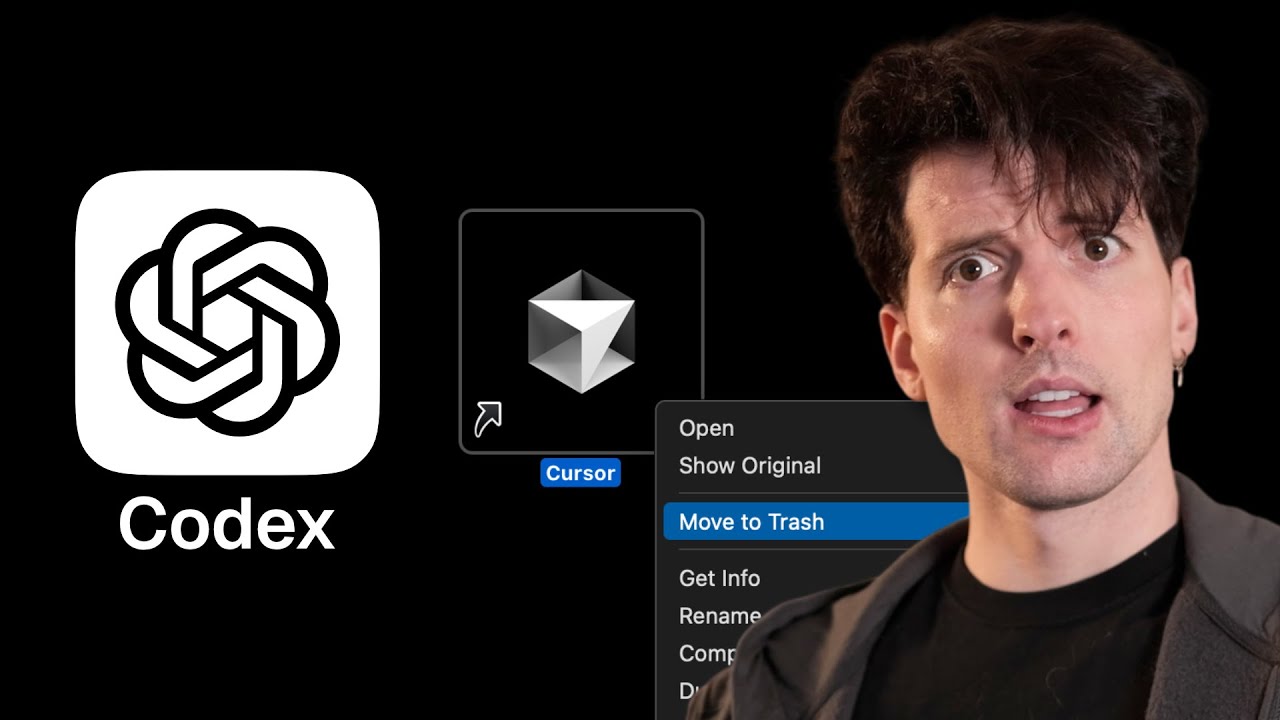
OpenAI has launched a new AI coding assistant subscription service called Codeex, positioned as a competitor to Cursor. This service allows developers to integrate AI coding capabilities into their preferred editors, including IDE extensions and a CLI tool rewritten in Rust. Codeex supports seamless switching between local and cloud environments for running AI agents, a feature highly anticipated by users. It also offers built-in code review on GitHub and aims to unify various tools under one subscription, enhancing the developer experience. Despite some criticism of the naming and initial rough edges, the service shows promising potential to streamline coding workflows.
The presenter highlights the historical context of OpenAI’s efforts in developer tools, noting past collaborations and near acquisitions related to Cursor and Windsurf. While OpenAI has struggled to fully capture the developer market, Codeex represents a renewed push to appeal to this audience. The integration with ChatGPT subscriptions and the ability to handle multiple tasks, including cloud-based background agents, marks a significant step forward. However, the user experience currently suffers from UI glitches, limited hotkeys, and some confusing workflows, especially around environment variable management and pull request creation.
A significant portion of the video is dedicated to testing Codeex’s capabilities, including setting up a new Next.js app, implementing image generation features using third-party APIs, and comparing performance with other AI models like Claude. The presenter appreciates the UX improvements such as bullet-point task breakdowns but notes issues like CSS glitches and slow response times. The AI’s ability to generate functional code with minimal input is impressive, though some features like history persistence and error handling need refinement. The comparison reveals that while Codeex is powerful, it still trails behind more mature tools in terms of polish and reliability.
The cloud integration and background agent features are particularly interesting, allowing developers to run multiple tasks in parallel and even file pull requests automatically on GitHub. However, the presenter encounters several bugs and UX frustrations, such as difficulty filing PRs directly from the IDE and inconsistent syncing between local and cloud states. Despite these challenges, the concept of having an AI assistant that can handle minor fixes and improvements in the background while developers focus on their main work is compelling. The integration with the ChatGPT app for notifications and seamless GitHub connectivity adds to the appeal.
In conclusion, Codeex is a promising but still rough-around-the-edges tool that could significantly enhance developer productivity by combining AI coding assistance, cloud execution, and GitHub integration in one subscription. While there are many bugs and UX issues to iron out, the potential value is clear, especially for those already invested in the OpenAI ecosystem. The presenter recommends trying Codeex if you have a ChatGPT subscription but also suggests alternatives like T3 Chat for those seeking a more transparent and stable experience. Overall, Codeex represents an ambitious step by OpenAI to deepen its foothold in developer tools, with exciting possibilities ahead once the kinks are worked out.