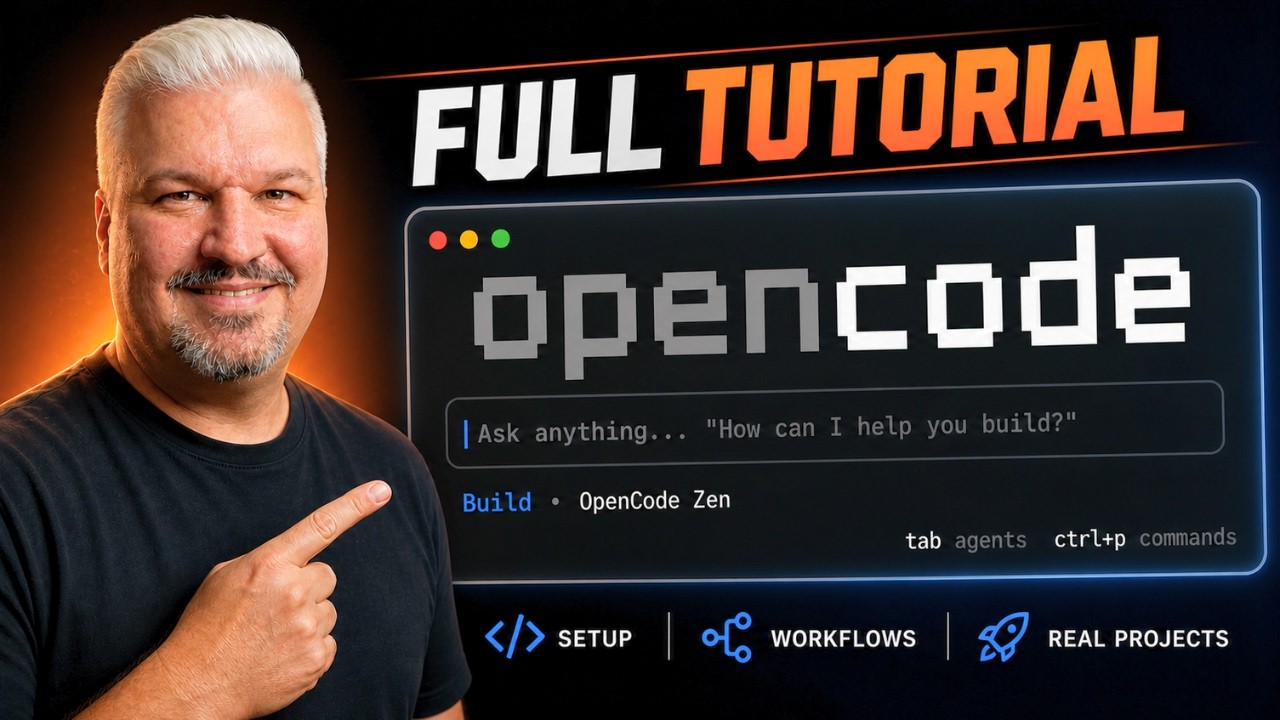
The video introduces Open Code as a versatile, open-source AI coding tool that supports multiple providers and modular “skills,” offering developers greater freedom and advanced features like MCP servers for browser automation. It guides viewers through setup and customization, highlighting Open Code’s advantages over restricted alternatives like Claude Code, and encourages building real applications using its agent-driven workflows.
The video introduces Open Code as a powerful and increasingly popular AI coding tool that serves as a strong alternative to Claude Code. Unlike some proprietary tools, Open Code is fully open source and supports multiple AI providers and models, including free options. It offers a robust, agent-driven coding workflow that operates directly within the terminal, making it accessible and versatile for developers. The tutorial aims to guide viewers through everything needed to get started with Open Code, from initial setup to advanced features.
One key point discussed is the growing restrictions imposed by Anthropic, the company behind Claude Code, which has been banning many users and tools, including Open Code and Open Claude. This context highlights the importance of exploring alternative tools like Open Code that provide more freedom and flexibility without the risk of sudden service bans. The video emphasizes that Open Code’s open-source nature and multi-provider support make it a reliable choice for developers seeking stability and control.
The tutorial then delves into the concept of “skills” within Open Code, which are modular capabilities that can be added to agents to extend their functionality. Skills enable agents to perform a wider range of tasks and interact more effectively with coding projects. This modular approach allows users to customize their agents according to their specific needs, enhancing productivity and enabling more complex workflows.
Another advanced feature covered is the use of MCP (Multi-Context Processing) servers, which can be assigned to agents to enable them to interact with web browsers and test applications dynamically. The video demonstrates how to configure MCP servers by creating an opencode.json file in the project root, allowing agents to leverage tools like Playwright for browser automation. This integration significantly expands the practical applications of Open Code agents in real-world development scenarios.
Finally, the video encourages viewers to start building actual applications using Open Code, showcasing how the setup and features come together in practice. The presenter highlights the exciting possibilities unlocked by combining skills, MCP servers, and agent workflows. The tutorial concludes with a call to action for viewers to like and subscribe for more agentic coding tutorials, reinforcing the channel’s focus on empowering developers with cutting-edge AI coding tools.