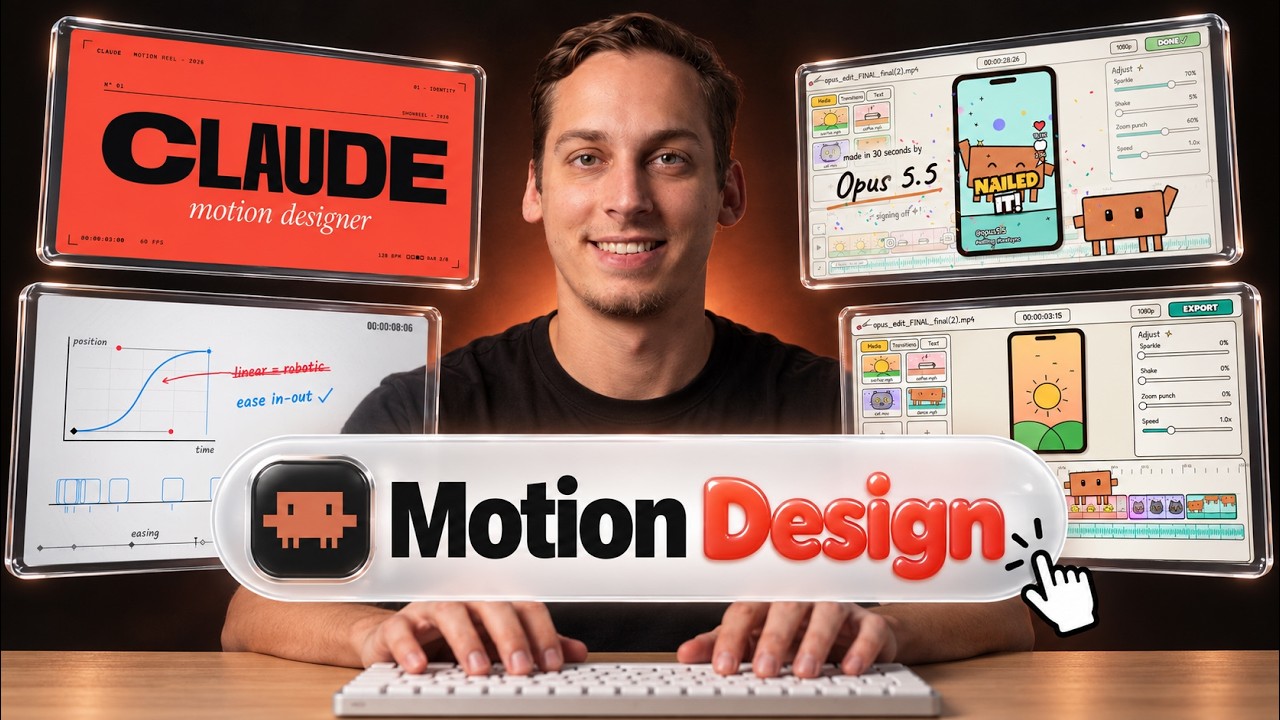
The video explores the impressive capabilities of Opus 5.5, a model that generates highly detailed and dynamic videos, particularly for product launches and UI animations. Examples from creators on X (formerly Twitter) demonstrate how Opus 5.5 can animate app interfaces and design elements with remarkable quality, often surpassing expectations for AI-generated content. However, the presenter emphasizes that the quality of the output depends heavily on the “harness” or workflow used, rather than just the prompt itself, which accounts for only about 10% of the final result.
The workflow begins with using Claude, an AI assistant, to generate code based on a text and image brief. Opus 5.5 does not create MP4 files directly but produces code that can be rendered into video using various frameworks or headless browsers. The video highlights different rendering routes, including SVG with headless Chrome, frameworks like Remotion or Hyperframes, or mixed pipelines combining image and video models. The presenter demonstrates setting up projects in the Claude desktop app, installing connectors like Hyperframes, and using detailed prompt templates to guide the AI in producing consistent, branded video content.
Branding and style consistency are crucial for professional results. The video shows how to incorporate brand assets, UI screenshots, and style guides into prompts to generate videos that reflect a specific company’s identity. The presenter uses Magic Path as a case study, showing how to create a launch video that matches the brand’s look and feel. Additionally, the video discusses adding audio and voiceovers using Fish Audio’s S2.1 Pro text-to-speech API, which offers high-quality, cost-effective voice cloning and speech synthesis, enhancing the overall production value.
Advanced techniques include syncing animations to music beats and sound effects, creating a more immersive and polished experience. The video also covers a critique loop process where the AI evaluates its own output, scores it, and iteratively improves the video until it meets a desired quality threshold. This iterative refinement can involve hundreds of model calls and several hours of processing, demonstrating the complexity behind producing high-quality AI-generated videos.
Finally, the video touches on packaging these workflows as services or skills that can be reused and customized for different clients or projects. By structuring prompts and processes carefully, creators can offer tailored video generation services efficiently. The presenter encourages viewers to explore the linked resources, join a Discord community for live co-working, and experiment with the tools and prompts shared to unlock the full potential of Opus 5.5 for video creation.
Useful Links