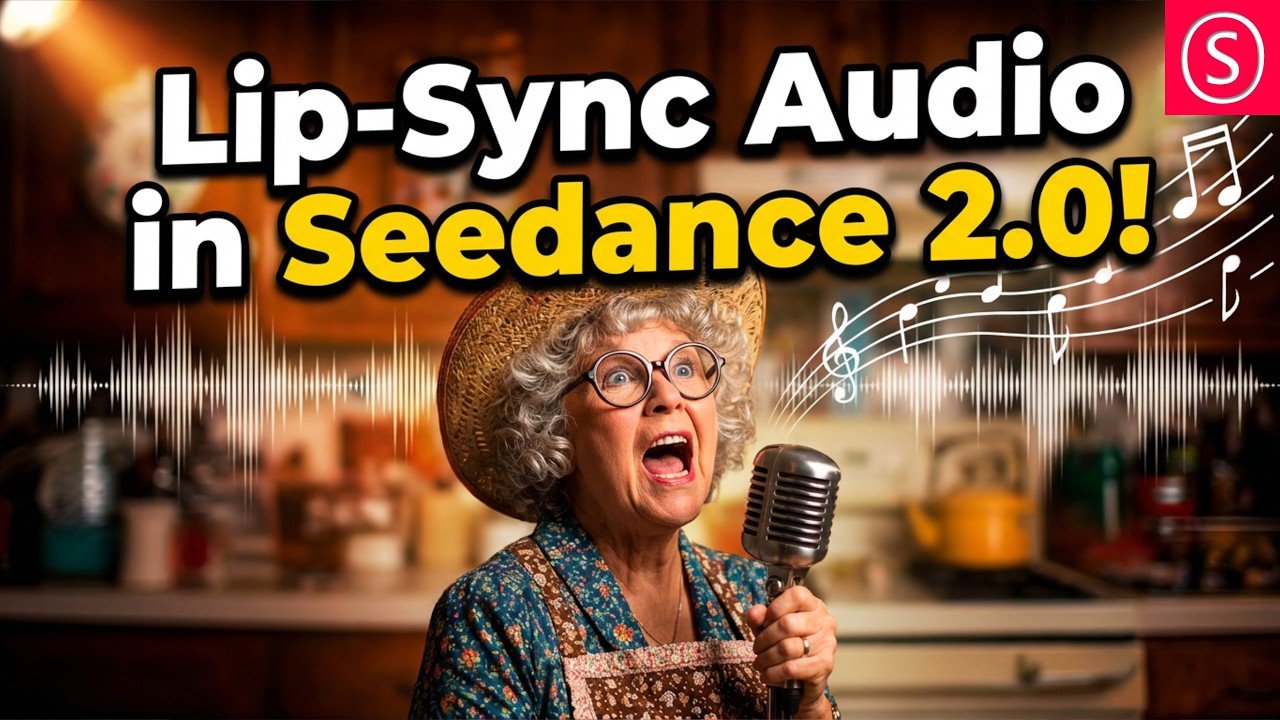
The video presents a hack for lip-syncing audio in Seedance 2.0 by converting audio tracks into black screen videos matching the desired length, then uploading an image to create synchronized music videos with customizable characters. The creator also highlights using tools like Suno for generating diverse audio styles, encourages community engagement on Discord and Twitter, and demonstrates the hack’s effectiveness with example prompts and results.
In this video, the creator shares a useful hack for using Seedance 2.0 to lip-sync both songs and spoken word content. They begin by inviting viewers to join their Discord community, where discussions about model training, video creation, and ComfyUI take place, along with sharing artworks. The creator also encourages following them on Twitter, where they engage in conversations about the validity of AI and showcase creative AI projects, highlighting the growing use of AI by professional artists.
The hack involves starting with a song that contains lyrics, which can be generated using tools like Suno or other sources. The creator demonstrates an additional tip for generating spoken word audio with Suno by specifying styles such as courtroom-style audiobook delivery and avoiding music, showing how versatile the tool can be for different audio types. They also mention the ability to create voice personas either from uploaded voices or AI-generated ones, expanding creative possibilities.
To implement the lip-sync hack in Seedance, the audio track must first be converted into a video format with a black screen background, as Seedance currently does not support direct audio file uploads. It is crucial that the length of this video matches the desired output duration in Seedance (e.g., 5, 10, or 15 seconds) to prevent the software from cutting the audio awkwardly. This step ensures smooth synchronization between the audio and the generated video.
Next, users upload an image to Seedance as the source for the video and can assign it a name for easy reference. By using the add sign, they can call on this material within their prompt and instruct Seedance to create a music video featuring the character lip-syncing the song. The creator provides an example prompt where a granny character sings the chosen song, demonstrating how the tool can be directed to produce specific visual and audio combinations.
Finally, the creator notes that it is also possible to generate lip-sync videos without uploading an image, which results in less stylistic control but a more realistic appearance. They conclude by inviting viewers to share their thoughts or additional tips for using Seedance and encourage engagement on social platforms like Discord and X (formerly Twitter). The video wraps up with a brief demonstration of the lip-sync result, showcasing the effectiveness of the hack.