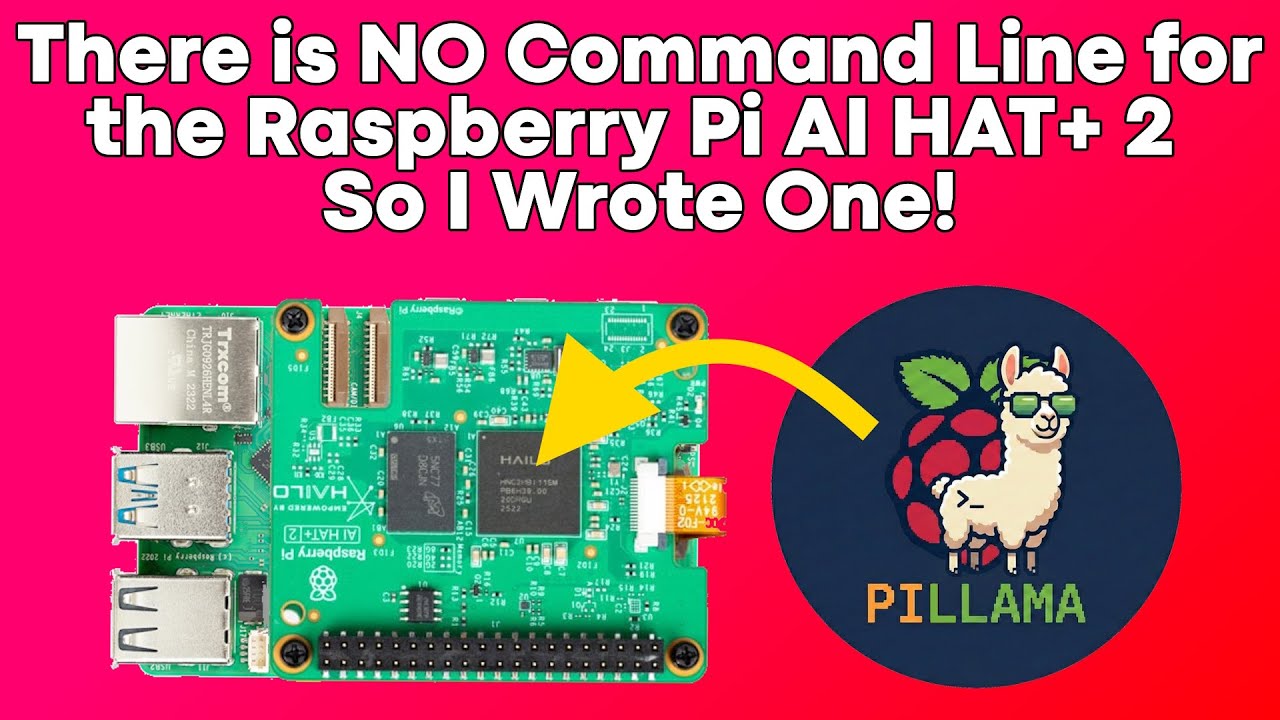
The video showcases “Pi Llama,” a Python script that adds an easy-to-use command-line interface for managing and running AI models locally on the Raspberry Pi AI Hat Plus 2, eliminating the need for complex JSON and curl commands. The creator demonstrates how to list, download, delete, and interact with models using simple commands, making AI model management much more accessible for users.
The video introduces a Python script called “Pi Llama” designed to simplify interaction with the Raspberry Pi AI Hat Plus 2. The creator explains that, unlike the default setup which requires using JSON code and curl commands, this script provides a straightforward command-line interface (CLI) for managing and using AI models on the device. The script is available on the creator’s GitHub repository, and the video demonstrates its usage on a Raspberry Pi 5, where the AI Hat is already running in the background.
The script is installed in the /usr/local/bin directory for easy access. Running “py_llama.py -h” displays the help menu, outlining the available commands. The creator demonstrates how to list all available AI models from the Halo Model Zoo using the “–list” flag, and how to check which models are already downloaded with the “–tags” command. The output includes details such as the number of parameters for each model, making it easy to manage and select models.
To download a new model, the creator uses the “–pull” command followed by the model name (e.g., “quen2:1.5b”). The script downloads the model directly to the Raspberry Pi, ensuring everything runs locally without relying on cloud services. Once the download is complete, running the “–tags” command again confirms the new model is available. The script also allows users to view detailed information about each model, including templates and start/stop tags, using the “–show” command.
Model management is further simplified with the ability to delete unwanted models using the “–delete” command. The creator demonstrates this by removing a model and verifying its deletion with the “–tags” command. This feature helps users efficiently manage storage and keep only the necessary models on their device.
Finally, the video shows how to interact with a loaded model using the “–model” flag, which prompts the user for input. The script loads the selected model into the AI Hat’s memory and processes queries locally. The first query may take a moment as the model loads, but subsequent queries are answered instantly since the model remains in RAM. The “–ps” command displays which model is currently loaded. Overall, the Pi Llama script streamlines the process of running large language models on the Raspberry Pi AI Hat Plus 2, making it accessible and user-friendly.