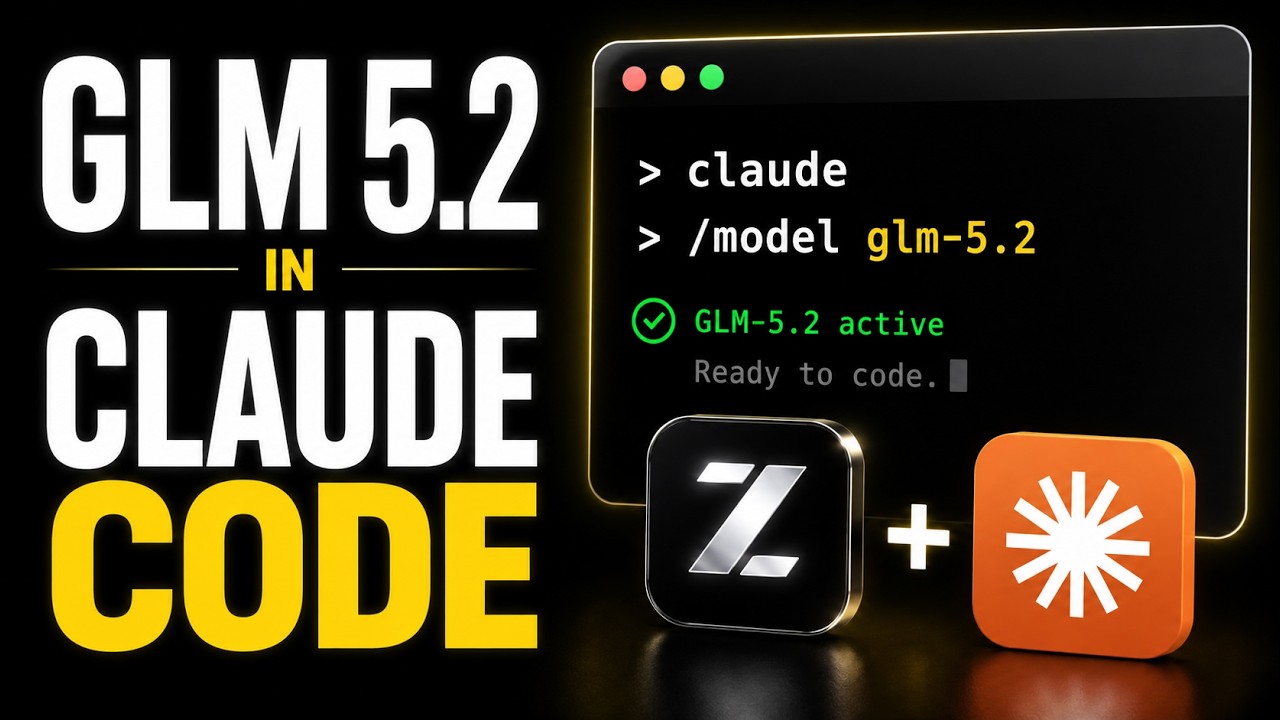
The video demonstrates how to easily run GLM 5.2 and other open-weight AI models locally or on the cloud using Claude Code with Ollama, highlighting its flexibility and accessibility without requiring high-end hardware. It also introduces Cost X-ray, a free tool for detailed token usage tracking, and encourages viewers to join the creator’s Skill Community for personalized AI implementation support.
In this video, the creator demonstrates how to run GLM 5.2 and other open-weight models locally or on the cloud using Claude Code with Ollama. Ollama is a tool that allows users to download and run open models on their computers, exposing them as endpoints or using them for chat and coding purposes. The process is straightforward, requiring just a single command to launch Claude Code and select the desired model, making it accessible for both local and cloud-based usage.
The video highlights the convenience of Ollama’s system, which supports running models locally or via a cloud subscription with different tiers (free, pro, max). This flexibility means users don’t necessarily need high-end hardware to access powerful AI models. The creator also points out some challenges with token usage transparency in Claude Code, noting that while users can see their remaining tokens, they cannot easily track token consumption per prompt or tool.
To address this, the video introduces Cost X-ray by Tigerless Labs, a free, open-source tool that provides detailed token cost attribution. Cost X-ray runs locally and offers granular insights into token usage across different tools and messages, helping users understand where their tokens are being spent. Installation is simple, involving just one line of code, and the tool supports multiple operating systems, making it a valuable addition for those using Claude Code or similar platforms.
The creator compares the token efficiency and pricing of different models, noting that while GLM 5.2 may not match Claude’s overall quality, it performs well for smaller tasks and is cost-effective. The ability to switch between models in Claude Code requires restarting the session, as the slash command for switching models does not work seamlessly. This flexibility allows users to experiment with various open-weight models depending on their needs and resources.
Finally, the video concludes with an invitation to join the creator’s Skill Community for personalized help in building AI-powered applications and automations. The creator shares their background as a former senior tech consultant now focused on AI implementation, offering support to viewers interested in leveraging AI technologies. Overall, the video emphasizes the ease and accessibility of running open-weight AI models locally or in the cloud using Claude Code and Ollama.