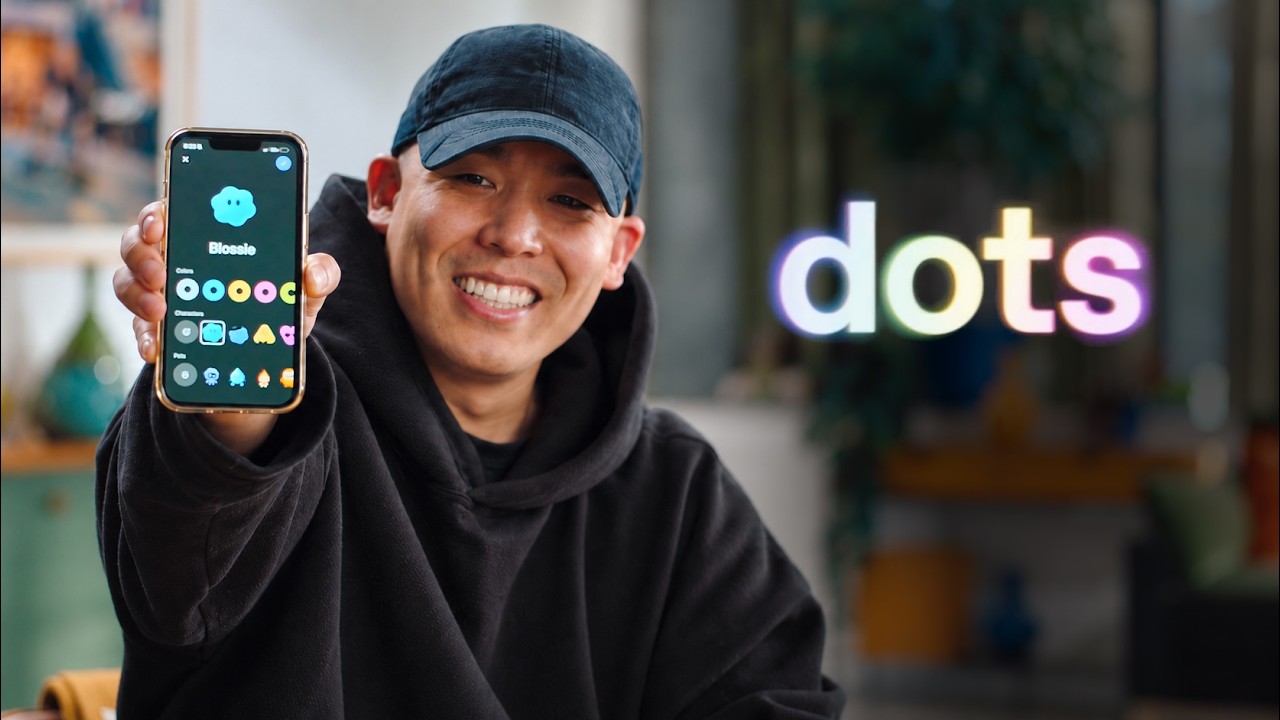
Alex introduces the new mobile setup for ChatGPT’s proactive “dots,” which can now be easily created and personalized within the app to manage tasks and collaborate using access to calendar, email, and computing resources. Demonstrating with his dot “Blossie,” Alex showcases its ability to prototype an iOS widget, coordinate with colleagues on Slack, and keep users informed, highlighting the feature’s simplicity and powerful multitasking capabilities.
In the video, Alex introduces the concept of “dots,” which are always-on proactive agents designed to handle tasks for users. Previously, dots could only be claimed and set up on desktop and web platforms, but now they are available on mobile devices, including both iOS and Android. The setup process on mobile is designed to be extremely simple and mostly automatic, requiring users only to open the ChatGPT app and tap the “Meet dot” button in the top left corner to create a thread with their dot.
Once the dot is created, it begins working immediately and may request access to the user’s calendar and email. Alex highly recommends granting these permissions because they provide the dot with more context, enabling it to manage tasks more effectively. Users can also personalize their dots by giving them a custom name and avatar, including options like using a Codex Pet or creating a custom avatar with preferred colors and styles.
Alex demonstrates this personalization by naming his dot “Blossie” and creating a simple blue avatar without accessories. He explains that the dot has access to its own computing resources as well as the user’s computer, which allows it to handle complex tasks such as coding and prototyping. To showcase this capability, Alex asks Blossie to prototype an iOS widget that can live on his home screen, displaying the dot’s avatar, name, and a short status of its current work.
Blossie efficiently starts the prototype by initiating a Codex thread and simultaneously checks Slack for collaborators working on the same widget. It identifies two colleagues, Brian Somerset and Gavin Nelson, who are already developing a widget MVP. Blossie offers to connect Alex with them in a Slack thread and promises to send a screenshot of the prototype for feedback once it is ready. This interaction highlights the dot’s ability to multitask, collaborate, and keep the user informed.
In closing, Alex encourages viewers to try setting up their own dots on the ChatGPT mobile app, emphasizing how easy and powerful the feature is. He expresses excitement about the potential of dots to help users manage tasks and build projects more efficiently. The video ends with an invitation to explore the new mobile dot setup and see what creative solutions users can develop with their personalized proactive agents.
Useful Links
- ChatGPT Dots Documentation — Directly explains and enables action on setting up and using dots in the ChatGPT mobile app, which is the main subject of the video.