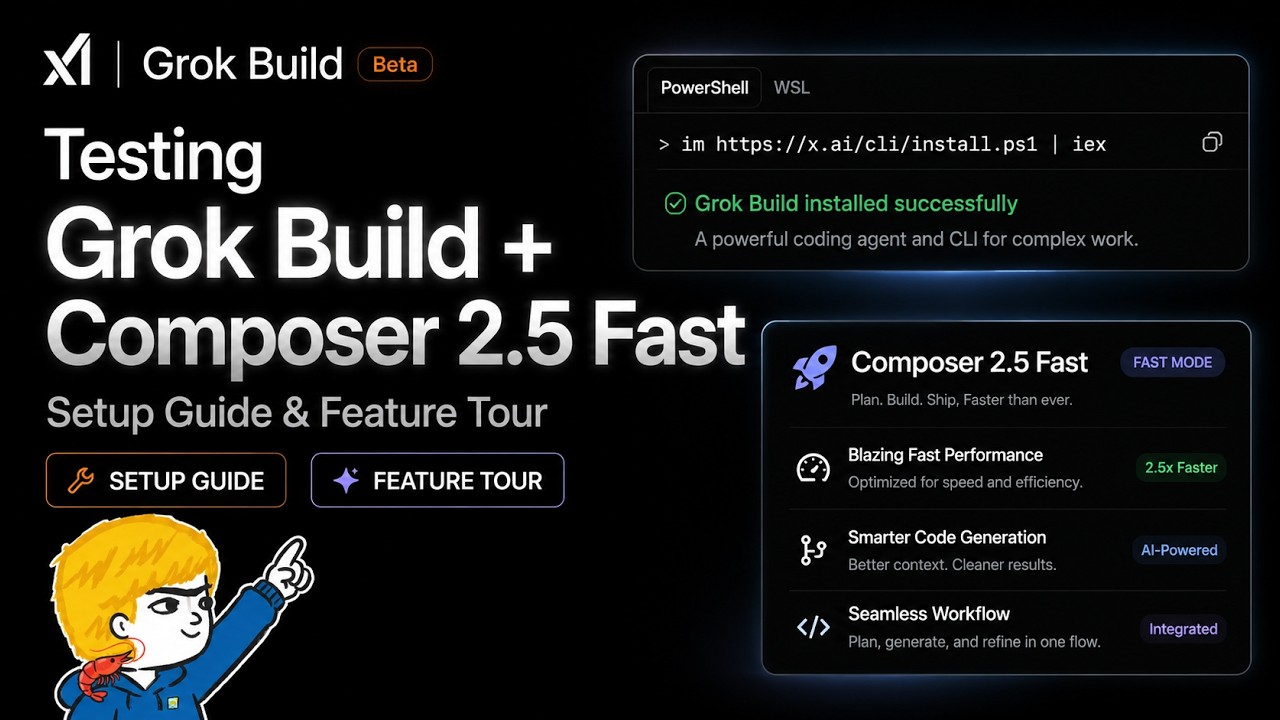
In this video, the creator explores the newly released beta version of Grok Build, a coding assistant available to users with Super Grok and X Premium Plus subscriptions. After previously using Grok within the Hermes agent, the creator installs Grok Build from scratch on a Windows machine to test its features and integration capabilities. The installation process is straightforward, and the tool offers an interactive terminal interface that differs from other coding assistants like Cloud Code. The creator demonstrates how Grok Build can be used as a chatbot and highlights its ability to recognize and utilize existing skills and plugins from other environments such as Hermes agent and Claude Code.
One of the standout features of Grok Build is its automatic discovery of skills and plugins from various directories, including those created by the user in other agents. This seamless integration means users do not need to reinstall or reconfigure their existing skills, making it convenient for ongoing projects. The creator also showcases the Grok inspect command, which provides an overview of the project environment, including all available skills, plugins, and project instructions. This feature helps users quickly understand the status and resources of their current project.
The video also compares different models available within Grok Build, specifically Grok Build’s native model and Composer 2.5 Fast. The creator finds Composer 2.5 Fast to be impressively quick in generating responses, making it suitable for tasks like planning promotional campaigns. Additionally, Grok Build supports memory notes, allowing users to save and recall important information during their sessions. The terminal interface includes various commands and themes, enhancing the user experience with customization options and familiar command structures.
A unique aspect of Grok Build is its built-in image and video generation capabilities. The creator tests Grok Imagine to generate promotional images and short videos for a game project, noting that it performs better and faster than previous attempts with Codex. While some generated images require tweaking, the overall quality and speed are impressive. The video generation feature, however, only works within Grok Build and not in other models like Composer 2.5 Fast, highlighting a key differentiator from other coding assistants such as Claude Code.
In conclusion, the creator finds Grok Build to be a promising tool still in beta, with a clean interface, fast performance, and useful integrations that enhance coding and creative workflows. While it may not yet have all the features of more established tools, it offers significant value, especially with its automatic skill discovery and multimedia generation capabilities. The creator invites viewers to share their experiences and suggests the possibility of deeper dives or project builds using Grok Build in future videos, encouraging engagement and feedback from the community.