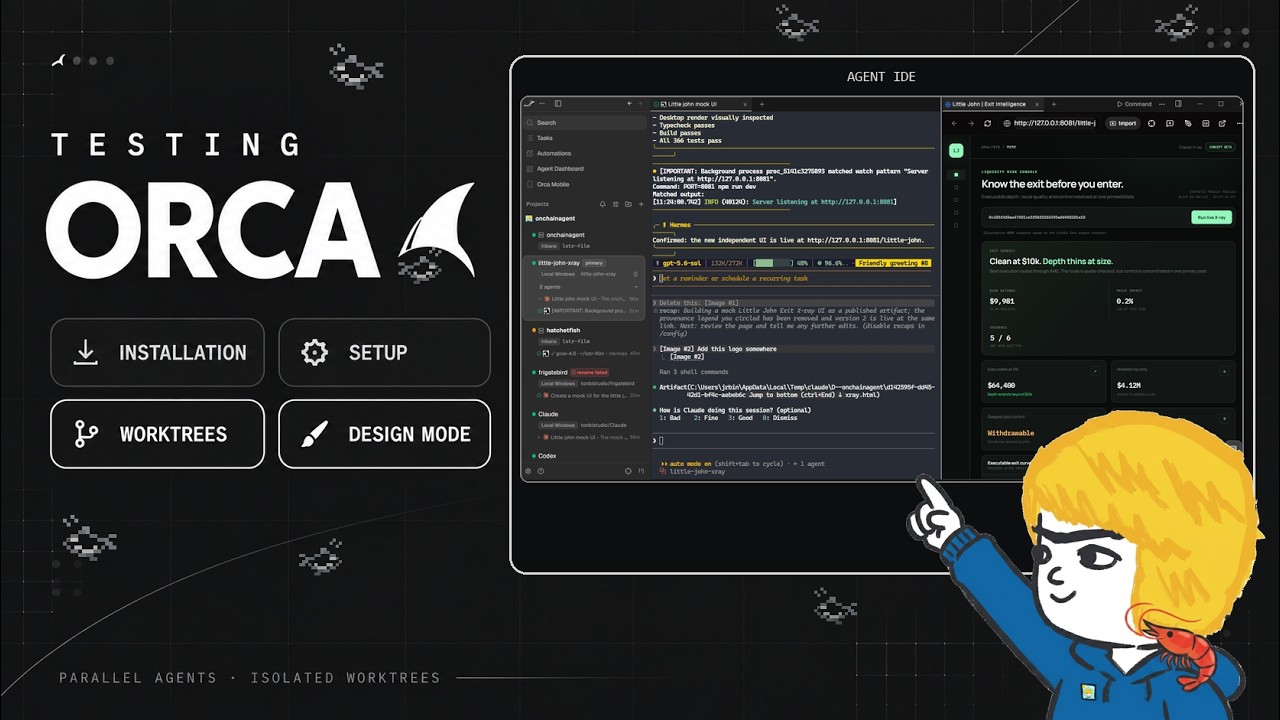
In this video, the creator explores Orca, a new open-source multi-agent workspace that has been gaining attention recently. After receiving numerous comments about Orca, the creator decides to try it out live for the first time. Orca is available on GitHub and offers features like parallel work trees, terminal splits, and a design mode. The creator compares it to other similar tools they have used, such as Herder, T3, Bird, and Buzz, and is curious to see how Orca stands out and whether it could replace or complement their current setup.
The installation process is straightforward, with a downloadable installer available on orca.dev. After setting it up on Windows, the creator configures a project called Little John, a blockchain analysis tool, to test Orca’s capabilities. Orca supports multiple agents within the same project and allows users to create separate work trees, each with its own branch, enabling parallel workflows. The interface is clean and smooth, with features like split terminals, tabs for different agents, and a workspace board that visually organizes work trees by status, making project management intuitive.
One of the standout features demonstrated is the design mode, which allows users to interact with real Chromium browser windows to grab HTML and CSS elements, take screenshots, annotate, and send these directly to agents for modification. This is particularly useful for UI work, as it enables precise and efficient collaboration with agents on front-end tasks. The creator also highlights the file manager’s drag-and-drop functionality and the ability to connect to SSH hosts, which facilitates working across different devices and environments seamlessly.
The creator tests running the same prompt across multiple agents in parallel, comparing their outputs for a mock UI design. The agents produce varied but professional results, showcasing Orca’s ability to handle multiple workflows simultaneously. The internal browser and agent dashboard provide a centralized view of ongoing tasks and notifications, enhancing user control and monitoring. The creator appreciates Orca’s persistent sessions, which save the state of workspaces and agents between restarts, a feature that improves workflow continuity.
Overall, the creator’s first impression of Orca is very positive, noting its rich feature set, smooth performance, and convenient UI elements. While they remain loyal to Herder for now, they acknowledge Orca’s potential and express interest in exploring its mobile app and other advanced features in future videos. The creator invites viewers to share their experiences and tips for using Orca as a multi-agent workspace, signaling openness to learning and community engagement.
Useful Links