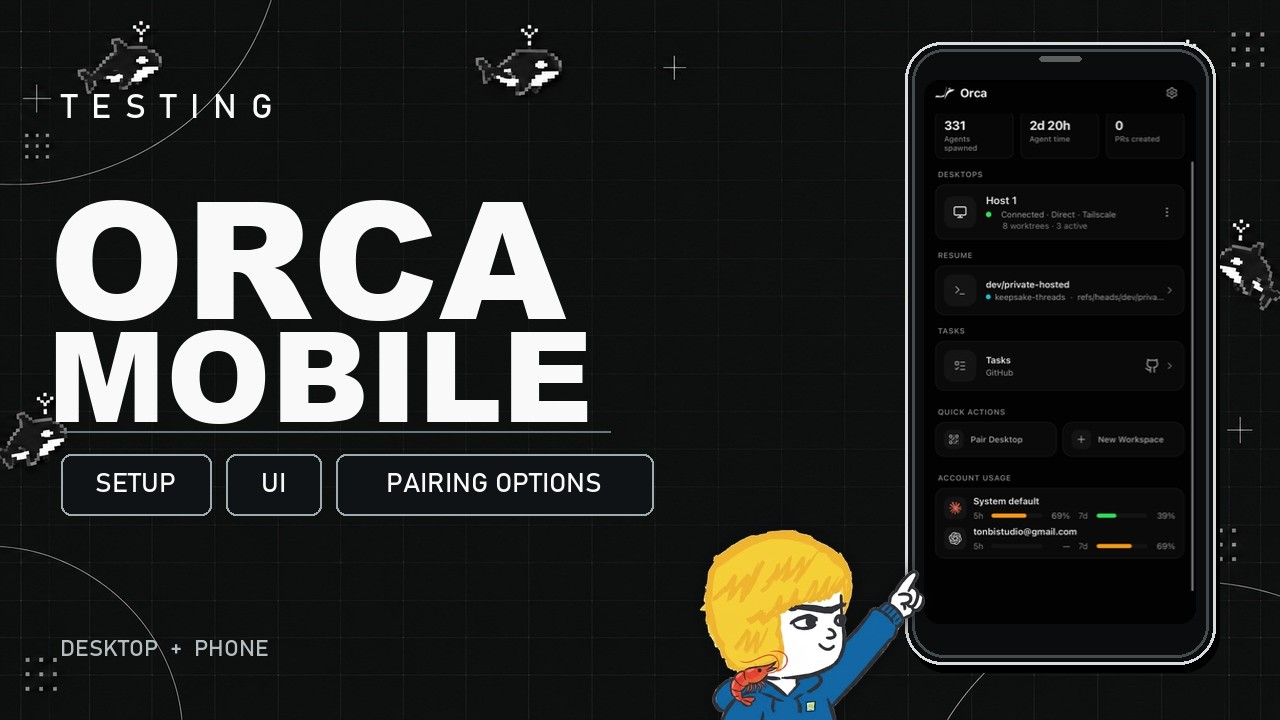
The video reviews Orca Mobile, highlighting its easy setup, reliable performance, and multiple pairing options (LAN, Orca Relay, Tailscale) for managing Orca agent projects remotely via a user-friendly terminal or chat-style interface. While not intended for heavy coding, the app excels at monitoring and issuing simple commands on the go, making it a convenient companion for Orca users away from their desktops.
The video provides an overview and review of Orca Mobile, the companion app for the Orca multi-agent coding interface. The creator, who has previously covered Orca’s desktop features, focuses on the mobile app (Orca IDE) available on the App Store for both iOS and Android. The motivation for using the mobile app is to monitor and manage long-running agent projects while away from the desktop, especially for simple tasks like approving prompts or checking project status. The presenter compares Orca Mobile to other agent workspace apps like T3, Mochi, and Termius, noting that Orca Mobile stands out for its reliability and ease of use.
Setting up Orca Mobile is straightforward. After downloading the app, users can pair it with their desktop Orca instance in several ways. The simplest method is pairing over a local Wi-Fi network (LAN) by scanning a QR code, which is ideal for use within the same network. For remote access outside the local network, users can utilize Orca Relay, which involves signing in on the Orca website to generate a pairing code for the mobile app. This method is quick and user-friendly, though the presenter mentions there have been some minor bugs reported.
Another secure option for remote pairing is using Tailscale, a popular and free VPN-like service that connects devices over the internet. The presenter recommends Tailscale for those who want a more robust and widely reviewed solution, especially if they use agents across multiple devices. Once Tailscale is installed and running on both the desktop and mobile device, pairing is again accomplished by scanning a QR code, after which users can access their Orca sessions from anywhere.
The Orca Mobile app provides a terminal-style interface for interacting with agents and projects, supporting various agent harnesses like Claude Code and Hermes Agent. The UI includes quick-access buttons for common terminal inputs and allows for live text input, making it easy to send short commands or check statuses. There is also an option to switch to a chat-style UI for supported agents, which can be more visually appealing and user-friendly on mobile devices. The app includes additional features like browser access, voice notifications, and customizable settings.
Overall, the presenter finds Orca Mobile to be a reliable and convenient tool for managing agent projects on the go. While it may not be suitable for heavy-duty coding or long prompts due to the limitations of mobile devices, it excels at monitoring and issuing simple commands to keep projects running smoothly. The video concludes with an invitation for viewers to share their experiences with Orca Mobile and suggest topics for future videos related to agent workflows and mobile management.