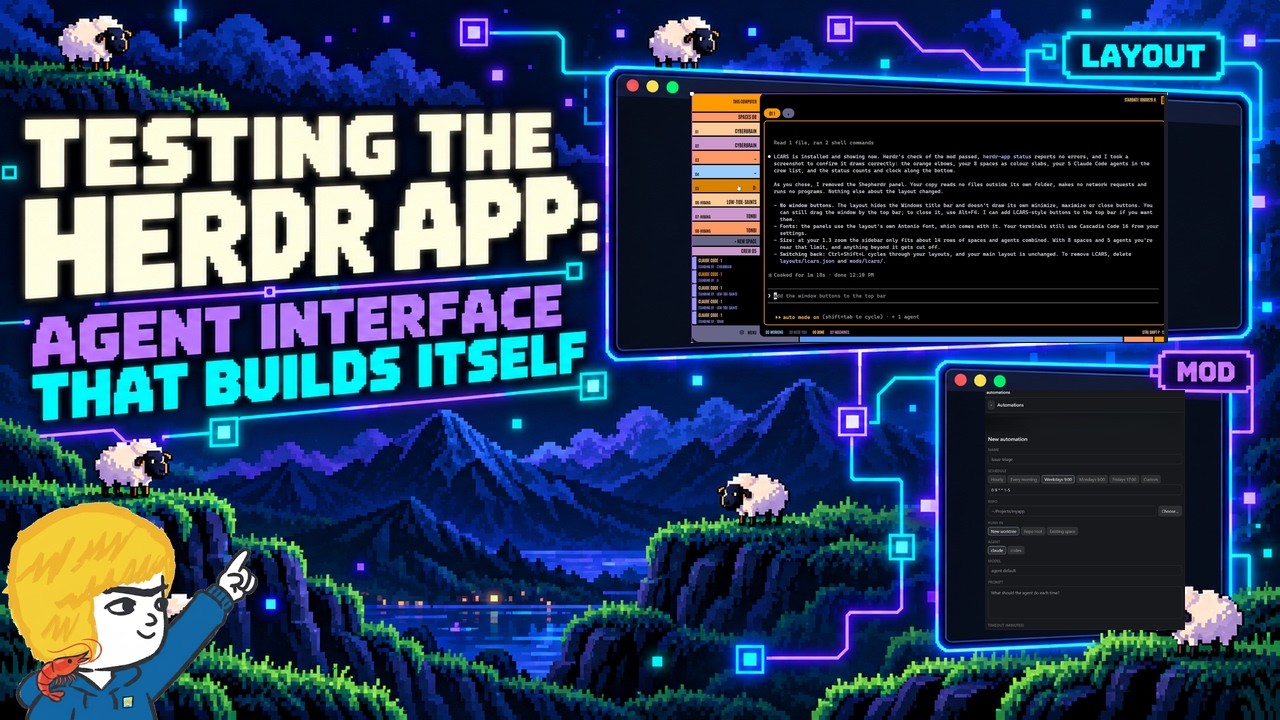
The video presents an introduction and first look at the newly released Herder app, an evolution of the Herdr AI coding agent tool that previously operated mainly through terminal and PowerShell. The host explains that Herder has launched a dedicated app supported by a new backend called Herder Core, which is available across all major operating systems. The app is designed to be highly customizable, allowing users to add components called “mods” and change layouts by interacting with agents within the app. The presenter installs the app on Windows, explores its interface, and highlights its seamless integration with SSH-configured machines, making it easy to manage multiple devices and workflows.
One of the key features demonstrated is the app’s ability to manage multiple agents and terminals within a single window, with the flexibility to split panes, move sessions, and organize workspaces. The app supports persistent sessions, meaning agents and terminals continue running even if the app is closed, which is useful for long-running AI experiments or coding tasks. The presenter also notes that some agents, like Claude code, report status messages that allow them to be recognized properly in the app, while others currently do not, which is expected to improve over time.
Customization is a major highlight of the Herder app. Users can modify fonts, UI elements, and layouts simply by instructing agents to update configuration files. The video showcases switching between different community-created layouts, including a colorful Star Trek-inspired theme, demonstrating how easy it is to dramatically change the app’s appearance without restarting. The app’s open-source nature under the Apache 2 license encourages community contributions and sharing of mods and layouts, fostering an ecosystem of enhancements.
The presenter also explores community mods, such as an automation mod that adds a scheduled jobs panel for running tasks on a cron-like schedule. Although this particular mod does not currently work on Windows, it illustrates the potential for extending the app’s functionality with new features that can automate workflows and integrate with AI agents. The host expresses enthusiasm about the growing number of mods and layouts and plans to continue experimenting with them, including possibly creating custom ones.
In conclusion, the Herder app offers a powerful, flexible, and persistent environment for managing AI coding agents and terminals, building on the strengths of the original Herdr tool while adding a user-friendly graphical interface and extensive customization options. The presenter encourages viewers to try the app, share their feedback, and consider how it might fit into their workflows. They also mention their ongoing use of Herder and intention to produce follow-up videos exploring new features, mods, and layouts as the app evolves.
Useful Links