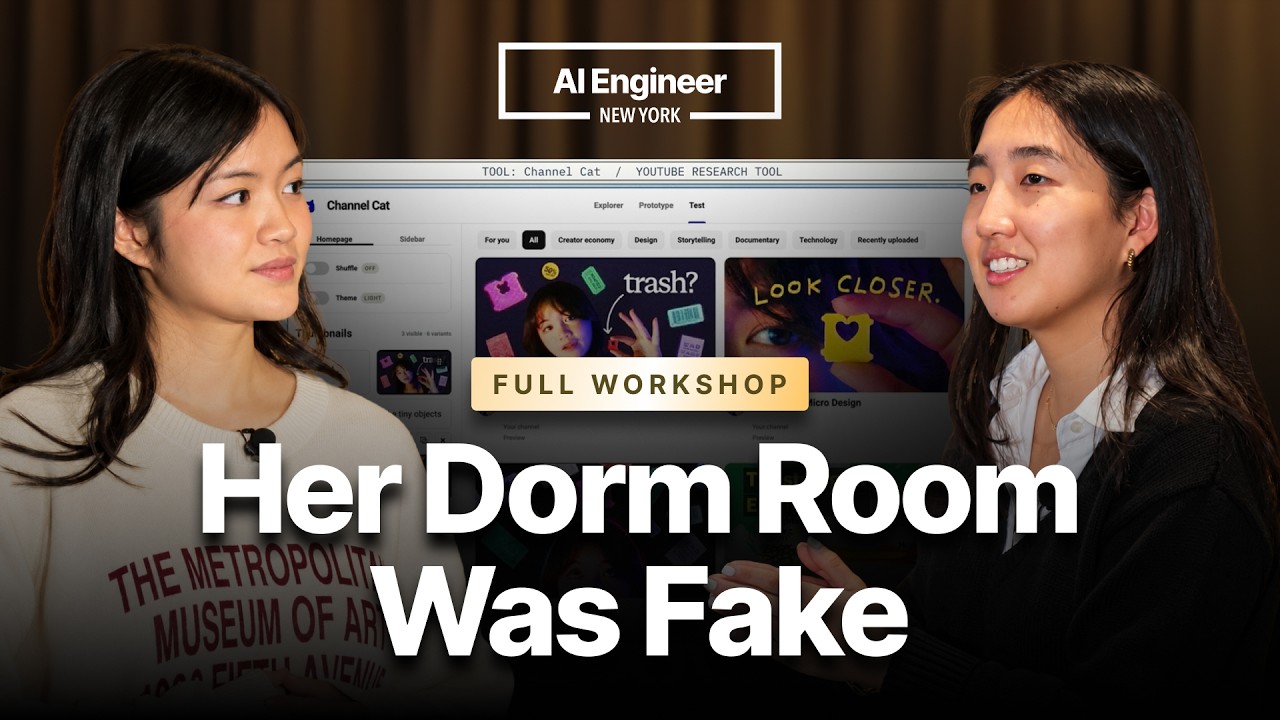
In this insightful workshop, Sarah Chieng from Cerebras and Cova Lee from OpenAI share their expertise on leveraging AI tools to create compelling video content that can reach millions of views. They begin by emphasizing the importance of visual aids in enhancing memory retention, citing a statistic that visuals can increase information retention from 10% to 65% after three days. Both speakers bring unique perspectives to content creation—Sarah with a technical and artistic approach, and Cova with a design and system-oriented mindset. Together, they outline a structured six-stage content creation process: ideating, scripting, recording, editing, repurposing, and publishing, demonstrating how AI can streamline each phase.
The ideation phase focuses on building a “swipe file,” a centralized collection of inspiring references and ideas that AI agents can use to understand a creator’s style and preferences. Sarah and Cova highlight the significance of titles and thumbnails, noting that these elements heavily influence content performance. They also discuss custom AI tools they developed, such as a YouTube research tool and a homepage simulator, which help analyze and optimize content before production. This proactive research approach allows creators to stand out in a crowded digital landscape by understanding audience preferences and platform algorithms.
In scripting and recording, the presenters advocate for using AI to generate multiple script versions, ensuring clarity and engagement while maintaining an educational tone rather than a marketing one. Tools like Whisper Flow and Codex voice mode facilitate natural script development through conversational interviews. They also stress the importance of diverse shot lists and efficient recording workflows, recommending tools like Coast for screen recording retrieval and CleanShot for quick annotations. These AI-assisted methods help creators maintain high production quality with less manual effort.
Editing and design receive considerable attention, with Sarah and Cova showcasing how AI accelerates the process through automation and custom tools. They mention HyperFrames and HeyGen for automated editing and avatar creation, enabling quick fixes and efficient repurposing of long-form content into short clips. The speakers also discuss building personalized design systems using Figma and AI-generated branding variations, which help maintain visual consistency. Additionally, they share tips on organizing assets and using sound effects strategically to enhance viewer engagement, emphasizing that AI should augment creative control rather than replace it.
Finally, the workshop covers publishing, performance review, and continuous improvement. The presenters describe automating social media scheduling and caption writing using tools like Buffer integrated with AI, saving time and ensuring consistent posting. They recommend regularly reviewing content performance and workflow efficiency with AI agents to identify bottlenecks and optimize processes. Throughout, Sarah and Cova stress that while AI can handle tedious tasks, authentic content creation requires the creator’s unique voice and vision. They encourage creators to cultivate personal experiences and perspectives, use AI as a supportive tool, and continuously refine their craft to produce meaningful, high-impact content.
Useful Links