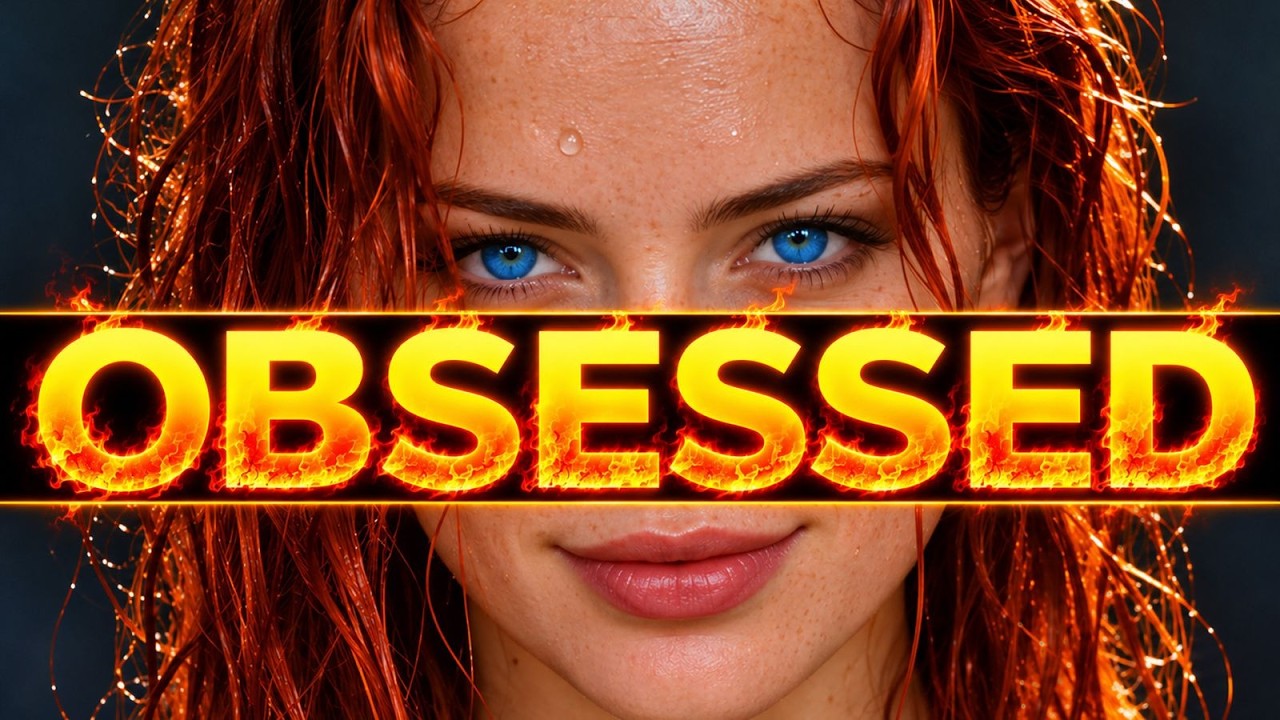
The video introduces GPT Images 2.6, the latest version of the leading AI image model, which boasts significant improvements over its predecessor, GPT Images 2.5. The new model can generate images up to 50% faster and offers two versions via API: Flare, which prioritizes speed, and Sunburst, which focuses on higher image quality and detail consistency. Key new features include the ability to control image complexity, allowing the model to better plan and integrate multiple elements in complex scenes, and enhanced precision editing capabilities such as creating sprite sheets for animated GIFs and supporting vector file formats like SVG for scalable designs.
The presenter tests the model’s performance on various fronts, including prompt adherence, character consistency, and detailed graphic design. GPT Images 2.6 shows marked improvements in maintaining diverse and anatomically correct characters in group scenes, although some anatomical errors and proportion distortions persist, such as reversed arms and inconsistent hand sizes. The model also performs well with detailed text and infographics, producing legible and accurate visual data, though some scaling issues remain, such as incorrect planetary proportions in an infographic test.
One of the standout new features is the markup tool, which allows users to annotate and specify exact areas for editing, enhancing control over image modifications. The model also supports creating animated GIFs from sprite sheets generated via prompts, making it easier to produce looping animations for social media or gaming assets. Additionally, the ability to generate SVGs enables users to create infinitely scalable vector graphics, useful for branding and merchandise. Image editing capabilities have improved, allowing for precise color changes, background swaps, relighting, and angle adjustments while maintaining image integrity.
The video also explores the cost and restrictions of using GPT Images 2.6. While the new model is about 4.5 times more expensive than 2.5, generating images remains relatively affordable, with prices varying based on quality settings. The model shows some leniency in generating branded trademarks, realistic money, and violent scenes but restricts content like surgery scenes and certain types of swimwear. The presenter also highlights an alternative open-source AI image model that is unrestricted and can run on modest hardware, providing viewers with additional options.
Finally, the video showcases the integration of GPT Images 2.6 with the Open Art platform, which combines various AI creative tools, including image, video, and audio models, managed by large language models (LLMs) for intelligent workflows. Using Open Art, the presenter demonstrates creating a consistent vintage camera reference sheet, restyling images in retro illustrative styles, and producing a multi-shot video montage with smooth transitions between photorealistic and illustrated visuals. Despite the advancements, the presenter notes that while GPT Images 2.6 is faster and more capable, it still has limitations in anatomy and realism, recommending a balanced use of both versions alongside other tools like Midjourney.
Useful Links