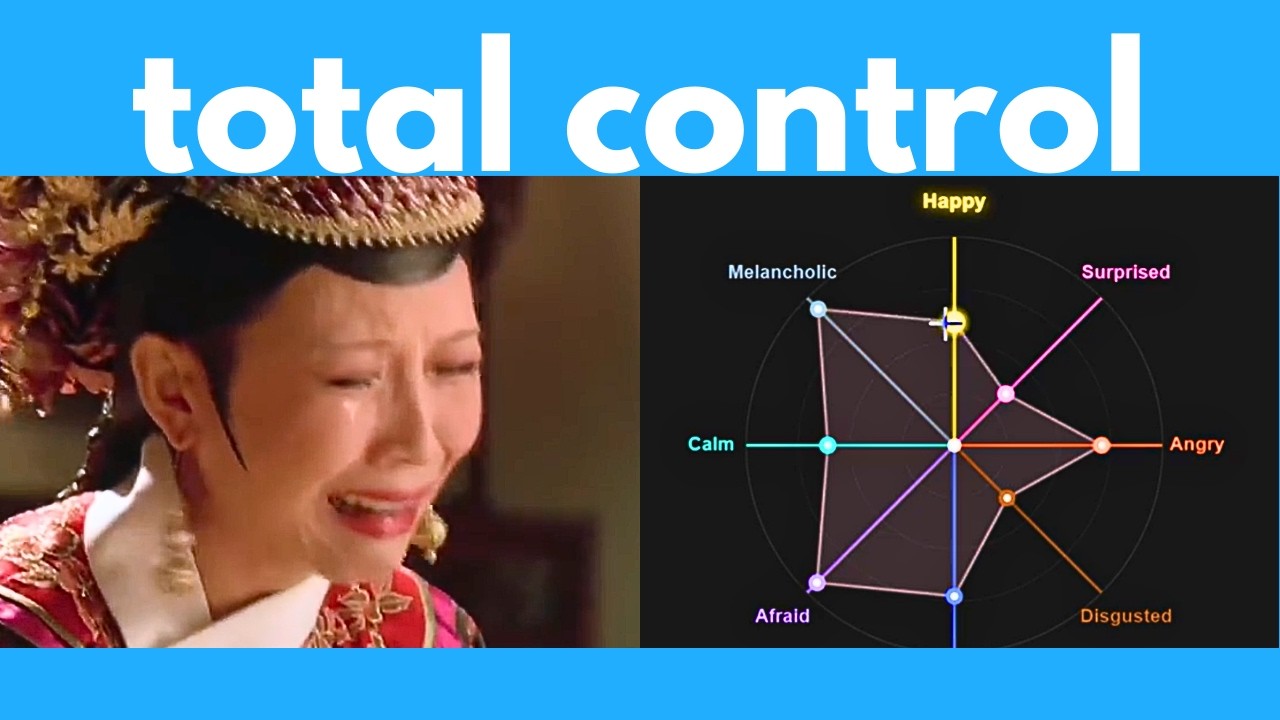
The video introduces Index DDS2, a new AI text-to-speech (TTS) generator that stands out for its advanced voice cloning capabilities and fine-grained emotion control. Unlike many other TTS tools, Index DDS2 can clone voices with just a few seconds of audio and convincingly reproduce the original speaker’s emotions and expressiveness. The presenter showcases several demos, including translating a Chinese movie into English while preserving the actors’ emotional delivery, and generating speech with varying emotional tones such as sadness, anger, and depression. This flexibility makes Index DDS2 a powerful tool for creating highly expressive and natural-sounding speech.
One of the key features highlighted is the ability to control emotions through sliders or by providing an additional reference audio clip that conveys the desired emotional tone. The presenter demonstrates how the same sentence can be spoken in neutral, happy, sad, angry, or depressed tones, showing the tool’s impressive expressiveness. The tool also supports voice cloning of well-known personalities and characters, such as Donald Trump and Genshin Impact’s Fina, with only a few seconds of sample audio. However, the tool has some limitations with accents, performing well with some like Indian English but less effectively with others like Australian English.
The video also covers the tool’s multilingual capabilities, testing its ability to pronounce sentences in various languages including Spanish, Chinese, Japanese, French, Hindi, Korean, and German. While Index DDS2 struggles with mixed-language sentences and some pronunciations, it performs better when using a reference voice that matches the target language. The presenter compares it to another tool, Vibe Voice by Microsoft, which handles accents and multilingual speech more effectively in some cases. Additionally, the tool can correctly pronounce words with multiple pronunciations depending on context, demonstrating its linguistic sophistication.
A significant portion of the video is dedicated to a detailed step-by-step tutorial on how to install and run Index DDS2 locally on a Windows computer. The installation process involves setting up Python (version 3.8 to 3.11 recommended), Git, and Git LFS, cloning the GitHub repository, creating and activating a virtual environment, and installing necessary dependencies using the UV package manager. The presenter carefully explains each step, including troubleshooting tips and how to launch the web-based user interface for the tool. This offline setup allows unlimited free usage without relying on cloud services.
In conclusion, Index DDS2 is presented as one of the best free and open-source AI voice cloning and text-to-speech tools currently available, especially notable for its emotion control and expressiveness. The presenter encourages viewers to try it out and share their experiences, offering help with installation issues in the comments. The video also briefly promotes Gamma, an AI-powered content creation platform, and invites viewers to subscribe to a newsletter for ongoing updates on AI tools and news. Overall, the video provides both an informative overview and practical guidance for anyone interested in advanced TTS technology.