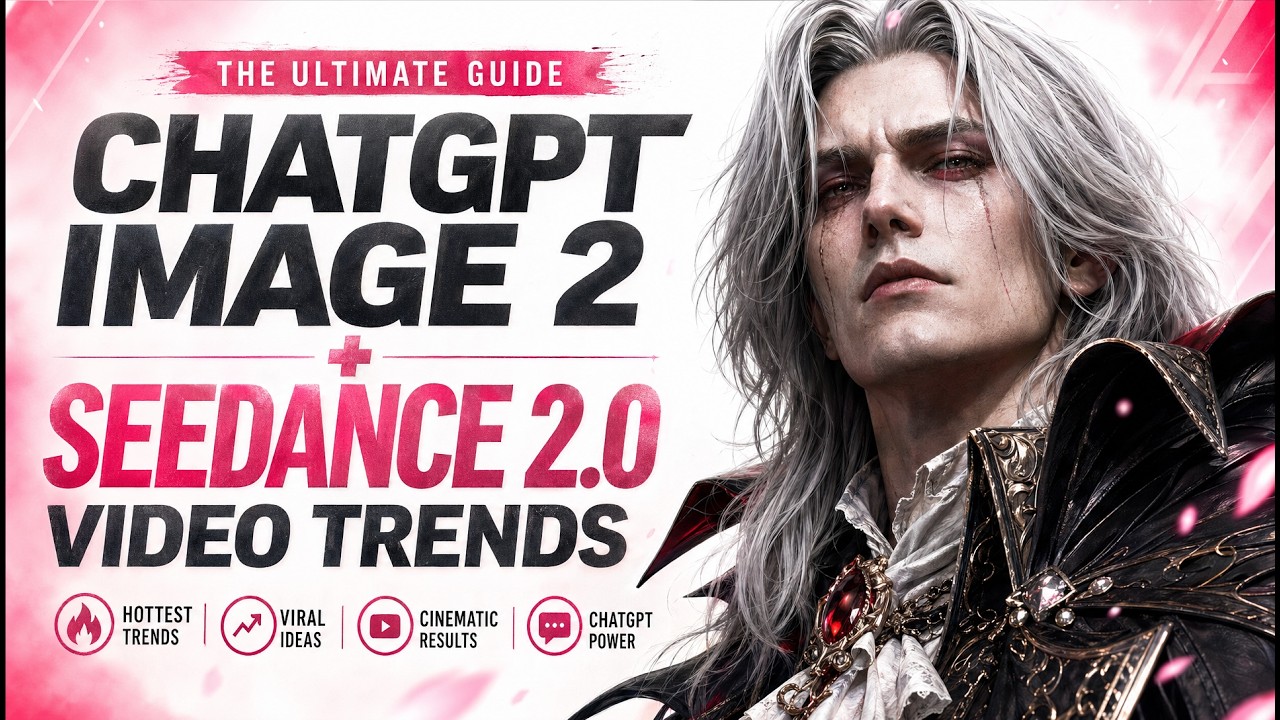
The video provides a comprehensive guide on using ChatGPT Image 2 and Seedance 2.0 to create impressive visual projects, including fake video games, precise fight animations, and storyboards from a single image. The creator begins by demonstrating how to design a fake video game start screen, settings menu, and in-game scenes using detailed prompts. These prompts include specific elements like UI buttons and Victorian London settings, showcasing the power of ChatGPT Image 2 combined with Seedance 2.0 for dynamic video creation. The video also highlights the flexibility of Seedance 2.0, allowing users to customize video length, resolution, and sound, with options to create content for free in certain modes.
Next, the video dives into creating fight animations using a 4x4 grid of movements featuring two characters, a ninja and a Viking. The creator credits Uki from X for the original detailed prompt, which guides Seedance 2.0 to generate dynamic fight sequences with varied camera angles and settings like a forest at sunset. This approach avoids static side views typical of fighting games, resulting in more cinematic and engaging animations. The video encourages viewers to experiment with these prompts to produce their own animated fight scenes.
The tutorial then explores storytelling techniques by generating character juxtapositions and story arcs using ChatGPT Image 2. Examples include contrasting characters like a young punk and a sophisticated lady, or a vampire and a priest, with detailed descriptions and titles that explain their relationships. The AI helps plot story progression across multiple scenes, creating a storyboard-like sequence that outlines the narrative arc. Although too random for direct film use, these storyboards provide valuable frameworks for developing creative projects and can be adapted for shorter sequences suitable for Seedance 2.0.
Further, the video covers character sheets and world-building prompts to enhance consistency and depth in visual storytelling. Character sheets include front and back views along with detailed item descriptions, enabling precise close-ups in videos. Character profiles with attributes such as age, job, strengths, and backstory help maintain continuity across scenes. World-building prompts generate landscapes, characters, weapons, vehicles, and maps, which can be customized to fit different settings. These tools empower creators to build immersive and coherent fictional worlds for their films or games.
Finally, the creator demonstrates how to transform a single image into a cinematic storyboard and animated sequence using ChatGPT Image 2 and Seedance 2.0. By generating detailed character models and dynamic camera angles, the AI produces a connected narrative flow across multiple scenes. The video also showcases non-film-related uses, such as enhancing smartphone photos into professional designs and creating exploded assembly drawings of technical items. Overall, the tutorial offers versatile and practical techniques for leveraging AI tools in creative video and design projects.