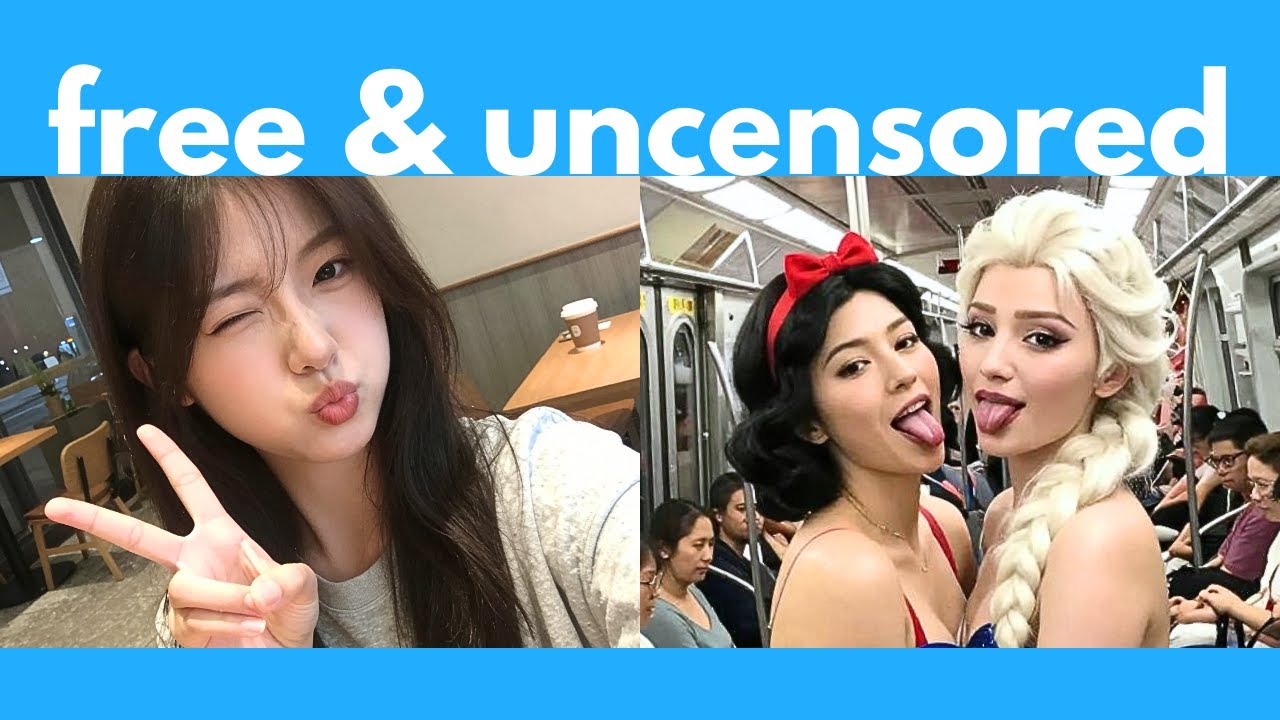
The video introduces Zimage, a powerful and efficient open-source AI image generator developed by the Tongi team from Alibaba. Zimage Turbo, the text-to-image model, is highlighted for its ability to generate highly realistic photos, including portraits, scenery, and posters with detailed text in both English and Chinese. The model excels in world understanding, accurately depicting celebrities, fictional characters, and various global locations with impressive detail and photographic realism. It supports high-resolution outputs up to 4K, though quality slightly degrades at the highest resolutions. Additionally, Zimage Turbo is extremely efficient, capable of generating images in seconds even on GPUs with as little as 4 GB of VRAM.
The video compares Zimage Turbo with other leading open-source models like Flux 2D Dev and Quinn Image, demonstrating Zimage’s superior performance in generating accurate likenesses of celebrities, anime characters, and complex scenes. Zimage consistently produces more realistic images with better anatomy, expressions, and details, while the competitors often struggle with errors in hands, faces, and text. The model also handles tricky prompts involving multiple elements, long text, and diverse art styles such as Chinese watercolor paintings and pixel art, outperforming the other models in both quality and consistency.
Zimage also offers an image editing model called Zimageedit, which is not yet released but promises natural language-based editing capabilities similar to other tools like Nano Banana and Quinn Imageedit. Meanwhile, users can perform basic image-to-image transformations by tweaking the Zimage Turbo workflow, allowing them to retouch or enhance existing images efficiently. The video explains how to set up and run Zimage Turbo locally using Comfy UI, including downloading the necessary models and workflows, and adjusting parameters like resolution, CFG scale, and sampling steps to optimize image quality and generation speed.
For users with limited VRAM, the video showcases quantized and compressed versions of Zimage Turbo that can run on GPUs with as little as 4 GB of VRAM. It provides detailed instructions on downloading these smaller models and integrating them into Comfy UI, enabling broader accessibility without sacrificing much image quality. The video also demonstrates how to incorporate Loras—fine-tuned smaller models—into the workflow to generate specific styles, characters, or effects, greatly expanding the creative possibilities and customization options for users.
In conclusion, Zimage Turbo is presented as the best free and open-source AI image generator currently available, combining high realism, efficiency, and versatility. The video encourages viewers to try the model via Hugging Face’s free online demo or by running it locally for unlimited use. It also promotes Chat LLM by Abacus AI as a convenient platform to access multiple AI models in one place. The creator promises future coverage of Zimageedit upon its release and invites viewers to share their experiences and questions in the comments, emphasizing ongoing support and updates in the rapidly evolving AI landscape.