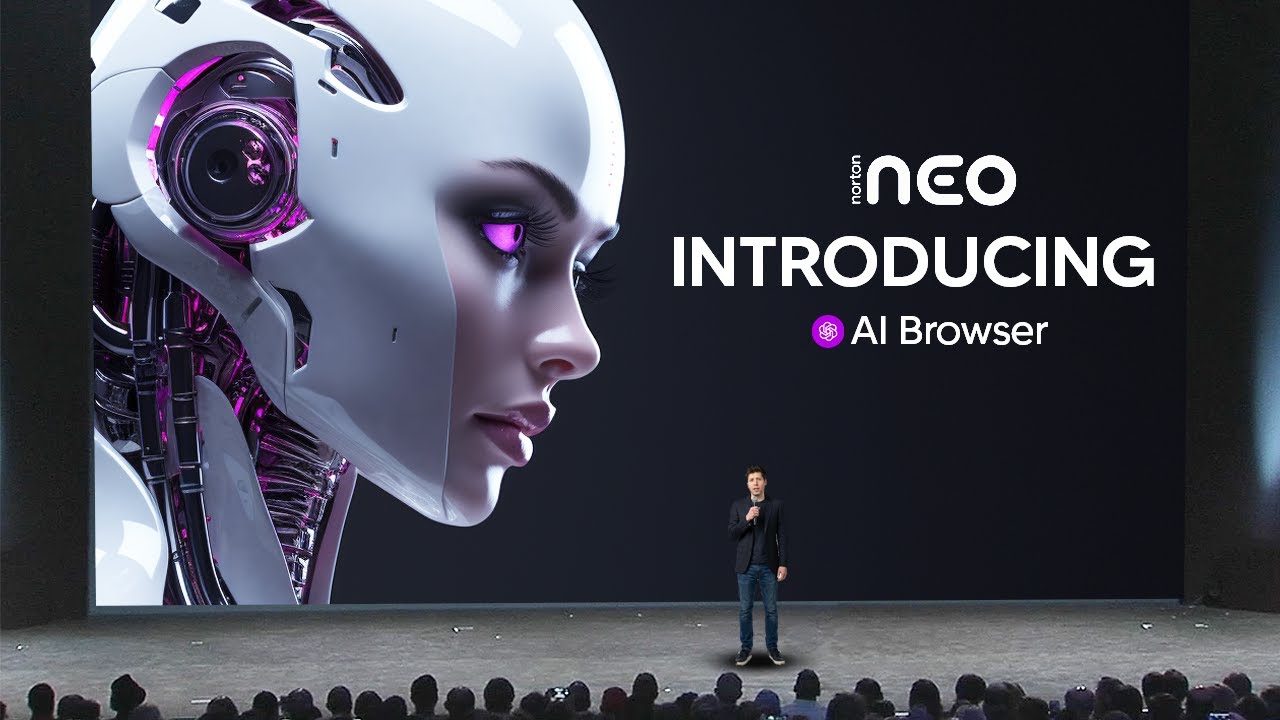
The video introduces the Neo AI Browser developed by Norton, highlighting it as a genuinely innovative AI-native web browser. Unlike many competitors that simply add AI chat features to existing browsers, Neo is built from the ground up with AI deeply integrated into its core functions. The browser is free, available for both Windows and Mac, and leverages Norton’s decades of cybersecurity expertise to ensure robust privacy and security for users. The presenter discloses that the video is sponsored by Norton but emphasizes their genuine interest in the product due to its unique approach in a crowded AI browser market.
One of Neo’s standout features is the “magic box,” which replaces the traditional search bar and serves as a command center for both web searches and AI-powered chat. This allows users to seamlessly switch between searching Google and interacting with an AI model within a single interface, eliminating the need to juggle multiple tabs or platforms. The browser also introduces a “peek” function, enabling users to preview articles without opening new tabs, and a built-in summarization tool that quickly condenses lengthy content, streamlining research and saving significant time.
Neo’s AI chat capabilities are context-aware, allowing users to ask questions about the current web page without copying and pasting content into external AI tools. This is particularly useful for digesting complex information, such as research papers or event coverage, as the AI can provide tailored summaries or explanations based on the page’s content. The browser also features a snippet tool with preset prompts like “explain like I’m five,” “pros and cons,” or “summarize,” making it easy to process information in various ways with a single click.
Another productivity-boosting feature is the typing assistant, which helps users draft emails or other text directly within the browser. Users can describe the tone or purpose of their message, and the NeoComposer generates multiple versions, allowing for quick edits and refinements without switching between different AI writing tools. Additionally, Neo offers smart tab grouping, automatically organizing open tabs into categories such as shopping, technology, or research, which helps users manage large numbers of tabs more efficiently.
Neo also boasts contextual memory and personalization features. Users can instruct the browser to remember specific details about themselves or their preferences, which the AI then uses to tailor future responses and curate a personalized news feed. Security and privacy are prioritized, with built-in ad blocking, privacy filters, and anti-tracking measures. Overall, the presenter finds Neo to be a well-balanced browser that integrates AI in a practical, user-friendly way, making it a strong contender for daily use.