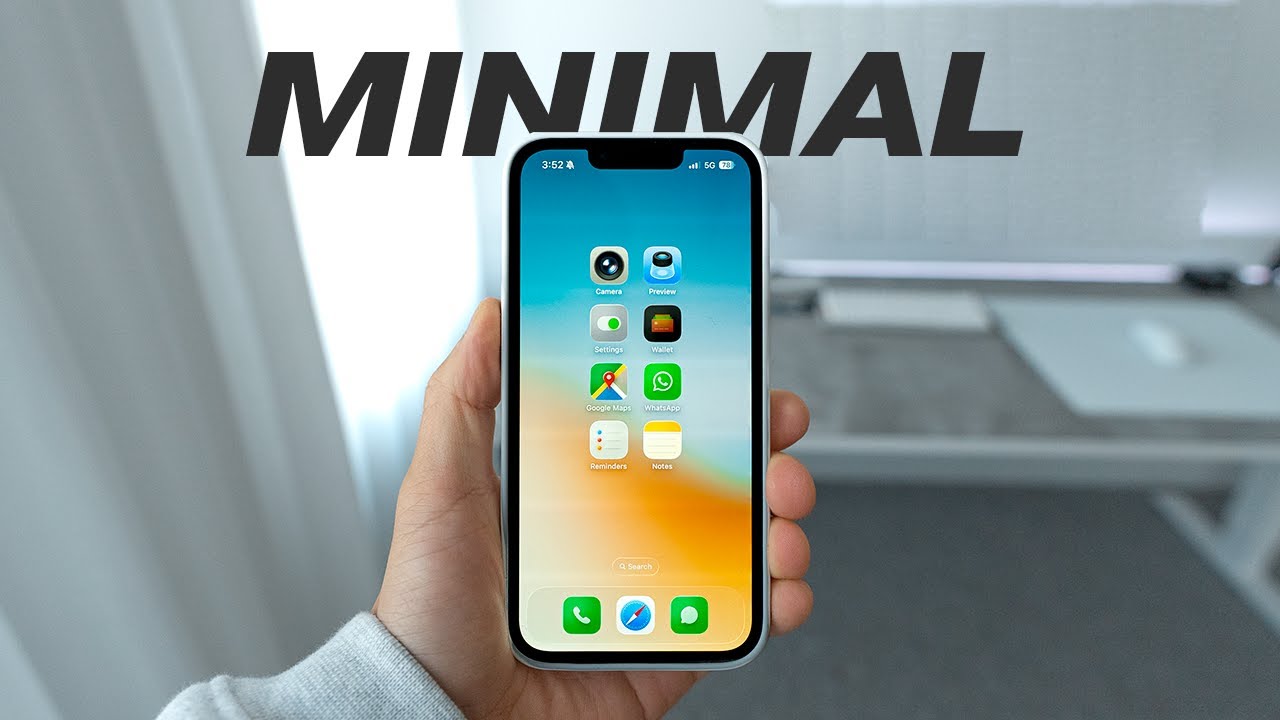
In this video, the creator shares a minimal iPhone setup designed to declutter the phone and reclaim time, promoting a calmer and more focused daily life. Recognizing that the average person spends 5 to 6 hours daily on their phone, the video offers practical tips on setting app time limits, disabling distracting features like Siri suggestions, and silencing unknown callers to reduce interruptions. These adjustments help curb the temptation of endless scrolling and unnecessary distractions, allowing users to focus on what truly matters.
A key part of the setup involves customizing notifications to only alert for critical and time-sensitive messages, while turning off notifications from unknown senders and non-essential apps. This selective approach minimizes distractions during work hours and encourages batching message checks, improving productivity and peace of mind. The video also recommends enabling the “reduce motion” accessibility setting to simplify the user interface by cutting down on animations, which can make the phone feel faster and less overwhelming, especially on older devices.
Focus modes are highlighted as an effective way to manage notifications based on different times of the day, such as work, personal, and sleep modes. These modes allow only important notifications to come through during designated periods, helping maintain concentration and reduce phone-related stress. The creator also emphasizes syncing focus modes across all Apple devices to avoid distractions on Macs or iPads, ensuring a consistent and distraction-free experience.
For iOS 26 users, the video introduces new features like “screen unknown senders” in Messages to filter spam, an enhanced call screening feature that transcribes unknown callers’ messages, and an adaptive battery mode that optimizes performance based on usage habits. These updates further enhance the minimal and efficient phone experience. Additionally, the creator shares tips for a cleaner home and lock screen by removing notification badges, limiting dock apps to essentials, and customizing widgets to display useful information without clutter.
Finally, the video encourages an app purge to remove unused apps and recommends helpful tools like the One Sec app, which prompts users to pause before opening potentially distracting social media apps, and Headspace for meditation to foster mindfulness. These apps support a healthier relationship with technology and contribute to a more peaceful daily routine. Overall, the video offers a comprehensive guide to creating a distraction-free iPhone setup that prioritizes time, focus, and calmness.