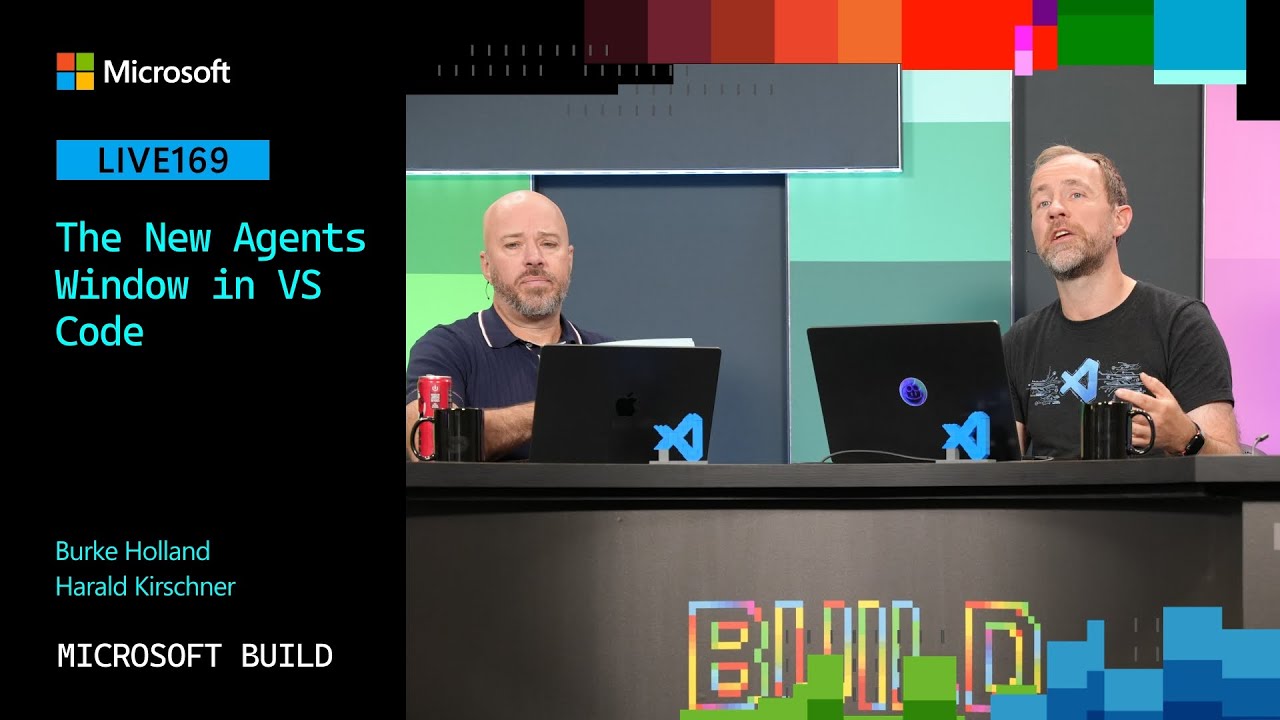
Harold from the VS Code team introduces the new Agent Window, a unified interface that helps developers efficiently manage multiple agents across local and remote workspaces, including GitHub repositories and Dev Tunnels, while supporting customization through features like notification hooks. Additionally, the update includes cost optimizations for AI-powered tasks by dynamically routing workloads to appropriate models, enhancing productivity and reducing expenses for users.
In this video, Harold from the VS Code team discusses the new Agent Window feature in Visual Studio Code. The Agent Window is designed to help developers manage multiple agents working across various projects and workspaces more efficiently. Unlike the traditional VS Code editor where users switch between files and workspaces, the Agent Window consolidates all active agents and sessions into a single interface, reducing the overhead and cognitive load associated with context switching. This new window maintains the familiar VS Code look and feel, including support for themes and extensions, making it a seamless addition for users.
Harold explains that the Agent Window supports both local and remote workspaces, including GitHub repositories and remote machines accessed via VS Code’s Dev Tunnels feature. Dev Tunnels allow users to securely access their development environment from anywhere through a web URL, which Harold praises as an underappreciated but powerful feature. This capability enables developers to orchestrate and monitor agents running in different environments from one centralized location, enhancing productivity especially for those working on open source projects or across multiple repositories.
The interface of the Agent Window includes collapsible sessions representing different projects or tasks, with sorting options by update time or workspace. While the current design resembles other agent management UIs, Harold acknowledges that managing agents and minimizing context switching remains an ongoing challenge. The team is actively exploring ways to improve this experience to prevent burnout and streamline workflows for developers who rely heavily on agents.
A notable customization feature discussed is the ability to use hooks for notifications, including a unique example where a local speech model reads out summaries of completed tasks. This auditory feedback helps users stay informed about agent progress without constantly monitoring the interface. Although this feature is still experimental, it highlights the flexibility and extensibility of the Agent Window, allowing users to tailor their experience to their preferences and work habits.
Finally, Harold touches on recent cost optimizations related to the new pricing model for AI-powered features in VS Code. The system intelligently routes tasks based on complexity, recommending the use of larger models for planning and smaller, more efficient models for implementation to save tokens and reduce costs. This dynamic routing can provide up to a 10% discount on token usage, and the team is considering ways to better inform users about these savings, similar to how retail stores highlight discounts. Overall, the Agent Window and associated improvements aim to enhance developer productivity, reduce friction, and provide a more integrated coding experience.