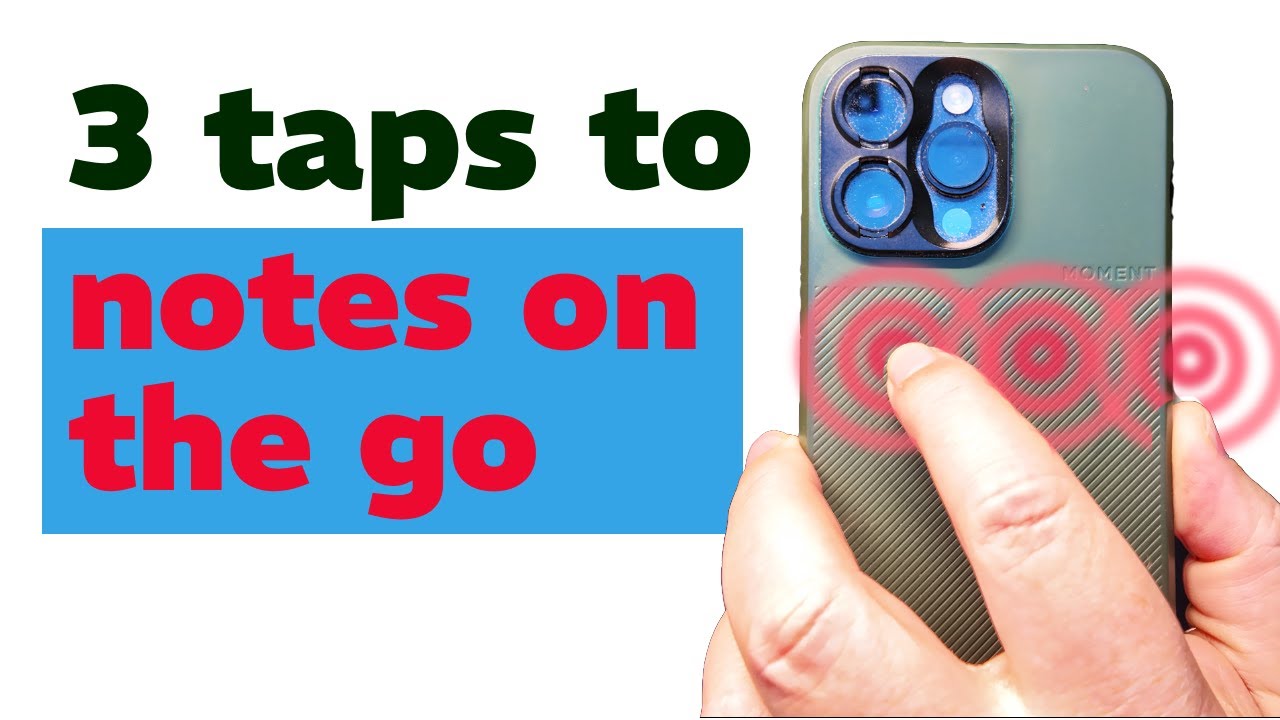
The video introduces a streamlined system for capturing and organizing ideas, tasks, and reminders using a simple triple-tap gesture on the back of an iPhone. The creator describes the common problem of losing valuable thoughts because the process of opening the right app and recording the idea is too slow or cumbersome. To solve this, he developed an automation that allows him to triple-tap his phone, speak his note, and have the system automatically classify and route the information to the correct destination—whether it’s a to-do list, calendar event, grocery list, or a note in Obsidian—without manual sorting or app-switching.
The core of the system relies on Apple Shortcuts for initial voice capture, Just Press Record for capturing audio from the Apple Watch or CarPlay, and N8n for processing and routing the data. The workflow involves converting voice to text, sending the data to a webhook in N8n, and then using AI-powered classification (via Olamo Cloud) to determine the intent and destination of each note. The system is designed to work offline when necessary, prioritize privacy, and maintain a reliable audit trail so nothing is lost or misfiled.
A key challenge addressed in the video is ensuring reliability and minimizing friction. The creator emphasizes the importance of a single, fast entry point and immediate feedback that the note has been captured. He avoids over-reliance on AI agents for every step, arguing that while AI can be helpful for classification and extraction, using it for the entire workflow introduces unnecessary delays and reduces reliability. Instead, the system uses AI only where it adds the most value, such as intent detection and entity extraction.
The video also covers the integration with various productivity tools. Tasks and calendar events are sent to Acuflow (despite its lack of a public API), grocery items go to a shared Apple Note, and everything else is routed to Obsidian. The system checks for duplicates, ensures data is properly formatted, and provides daily email summaries for review. The creator highlights the flexibility of the setup, noting that the same principles can be applied with different destination apps like Things, Notion, or Todoist, depending on user preference.
Finally, the video outlines a forthcoming six-part series that will delve deeper into the technical setup, including system architecture, practical implementation, connector integration, advanced voice capture, classification and extraction, and troubleshooting. The creator encourages viewers to subscribe for detailed tutorials and provides resources in the video description to help others replicate or adapt the workflow. The overarching message is to focus on building a reliable, low-friction capture system that preserves every idea and routes it automatically, freeing up mental space and reducing organizational overhead.