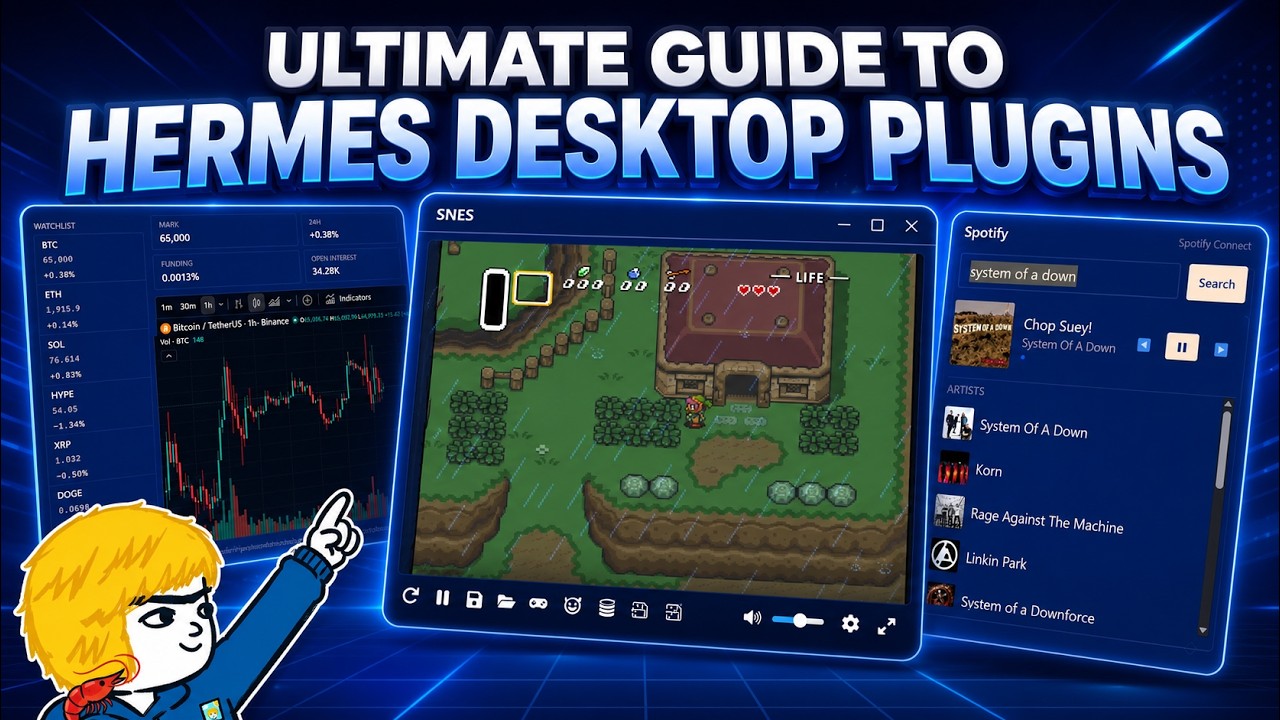
In this video, the creator dives deep into the Hermes Agent Desktop plugin, showcasing its versatility and potential for building various workflows and projects. Starting with a simple slide presentation plugin, the video explores the capabilities and limitations of the Hermes Desktop plugin SDK. The creator demonstrates how plugins can be placed in 25 different locations within the desktop app, each suited for different UI needs, from full interfaces in panes to compact popovers in the status or title bars. This flexibility allows developers to tailor the plugin’s form and placement based on its intended function, whether for ambient awareness, detailed control, or full applications.
The video thoroughly explores the different placement options for plugins within the Hermes Desktop app. Using a “placement playground” plugin, the creator shows how a plugin can be moved across various UI regions such as the main pane, sidebars, workspace areas, status bars, title bars, popovers, and the composer area. Each placement affects the plugin’s form and interaction style, ranging from expansive full-screen interfaces to minimal icons or popover windows. This detailed walkthrough helps viewers understand how to best position their plugins for optimal user experience.
The creator also discusses the architectural design and capabilities of Hermes plugins. Plugins can leverage Hermes state, backend services, or browser media to present data and interact with users. While plugins are powerful UI elements, they have limitations such as no direct access to native APIs, limited storage, and dependency on the desktop app being open. The recommended approach is to keep complex engines external and use Hermes plugins as intelligent control interfaces, enabling scalable and secure integrations with specialized services.
To demonstrate practical applications, the creator builds several plugins: a trading terminal with live market data and interactive charts, a Spotify controller plugin for music playback integrated with the Spotify desktop app, and an SNES emulator plugin for playing classic games within the workspace. Each plugin highlights different aspects of the SDK, from data visualization and authentication to multimedia control and embedded emulation. These examples showcase the broad range of possibilities for enhancing productivity and entertainment within the Hermes environment.
In conclusion, the video encourages viewers to experiment with Hermes Desktop plugins and shares plans to open source the demonstrated plugins for community use. The creator invites feedback and suggestions for new plugin ideas, emphasizing the platform’s potential for customization and extension. Overall, the video serves as a comprehensive guide to understanding, building, and deploying Hermes plugins, inspiring developers to push the boundaries of what can be achieved within this flexible desktop ecosystem.