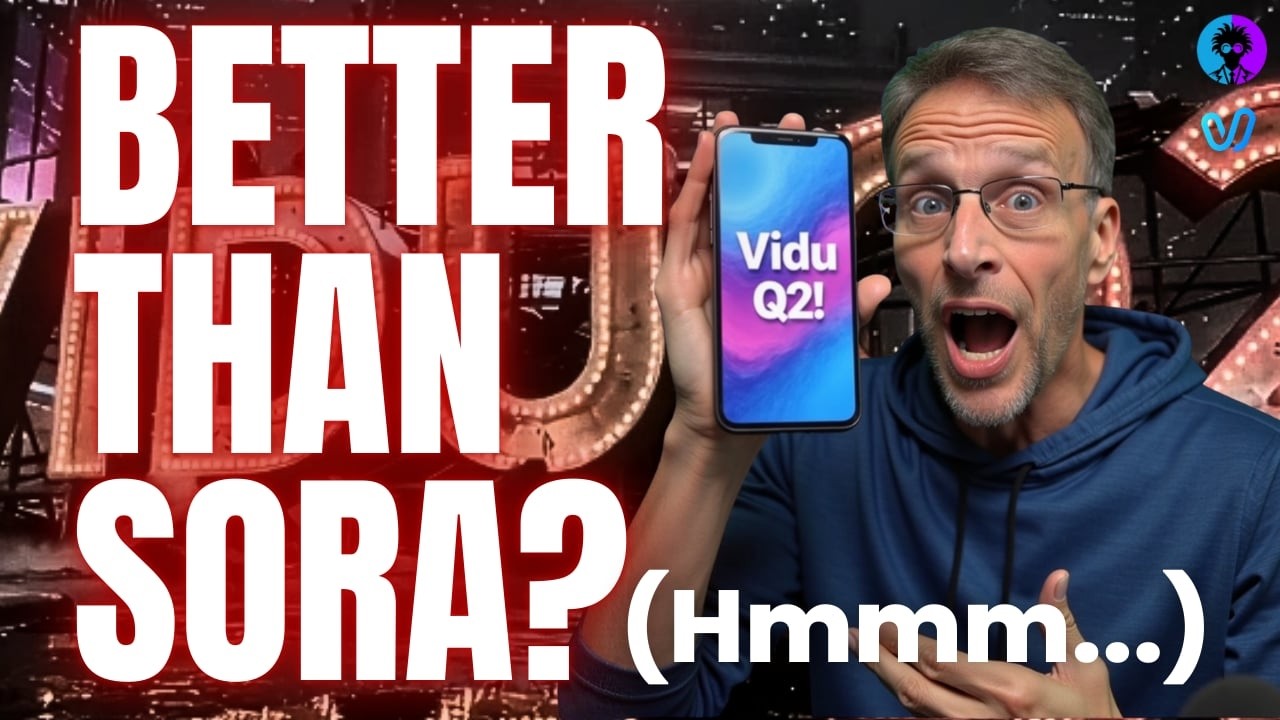
The video introduces VU.AI, an AI video generation platform that has recently added native AI image generation capabilities. The presenter compares VU.AI to the Sora app, highlighting that VU.AI allows users to use up to 10 reference images to create videos, which helps avoid content restrictions commonly encountered on Sora, especially regarding likenesses of particular people. While VU.AI offers impressive creative freedom and is cost-effective, the presenter notes that the audio quality, particularly voiceovers and lip-sync, is inconsistent and often poor, though the visual quality can range from basic to cinematic.
The VU app interface is similar to Sora, with features like community videos, tutorials, and a reference library containing categorized images such as characters, scenes, animals, and props. Users can create their own references by uploading or taking photos, which can then be tagged and used repeatedly in video creation. The presenter demonstrates creating a character reference using multiple images and assigning a voice, though the voice options are limited and often not fitting. Despite some audio quirks, the app allows for quick video generation with up to 10 credits per video, enabling fun and creative content creation without many content violations.
The desktop version of VU.AI offers more advanced features, including longer video durations, higher resolution (1080p), and a new dubbing mode for audio effects and voiceovers. It also supports native AI image generation, allowing users to create still images that can be used as references for videos. The presenter showcases various examples of remixing videos, morphing characters, and creating complex scenes with multiple references. The desktop app also introduces a powerful feature called start and end frames, enabling users to create longer, consistent videos by linking multiple AI-generated frames with detailed prompts and camera movements.
One of the standout demonstrations involves creating a storyboard-style video where a character blows a bubble that lifts him into the air. The presenter explains the process of generating consistent reference images with the same character and background, then sequencing them with specific prompts and timing to produce a smooth, longer video. The use of camera dollies and push-ins helps mask background inconsistencies, resulting in a visually coherent animation. The presenter compares two rendering modes—flash and cinematic—finding the flash mode produces cleaner results for this particular project.
Towards the end, the presenter experiments with surreal and disturbing AI-generated scenes, attempting to create a continuous camera movement through a dark hallway filled with strange characters. Although the initial attempts did not achieve the desired effect, the presenter refines the prompts to better simulate a drone POV flying through the scene. Overall, the video emphasizes VU.AI’s creative potential, especially with its new desktop features, while acknowledging current limitations in audio and some visual inconsistencies. The presenter encourages viewers interested in AI video technology to subscribe for more updates and explorations.