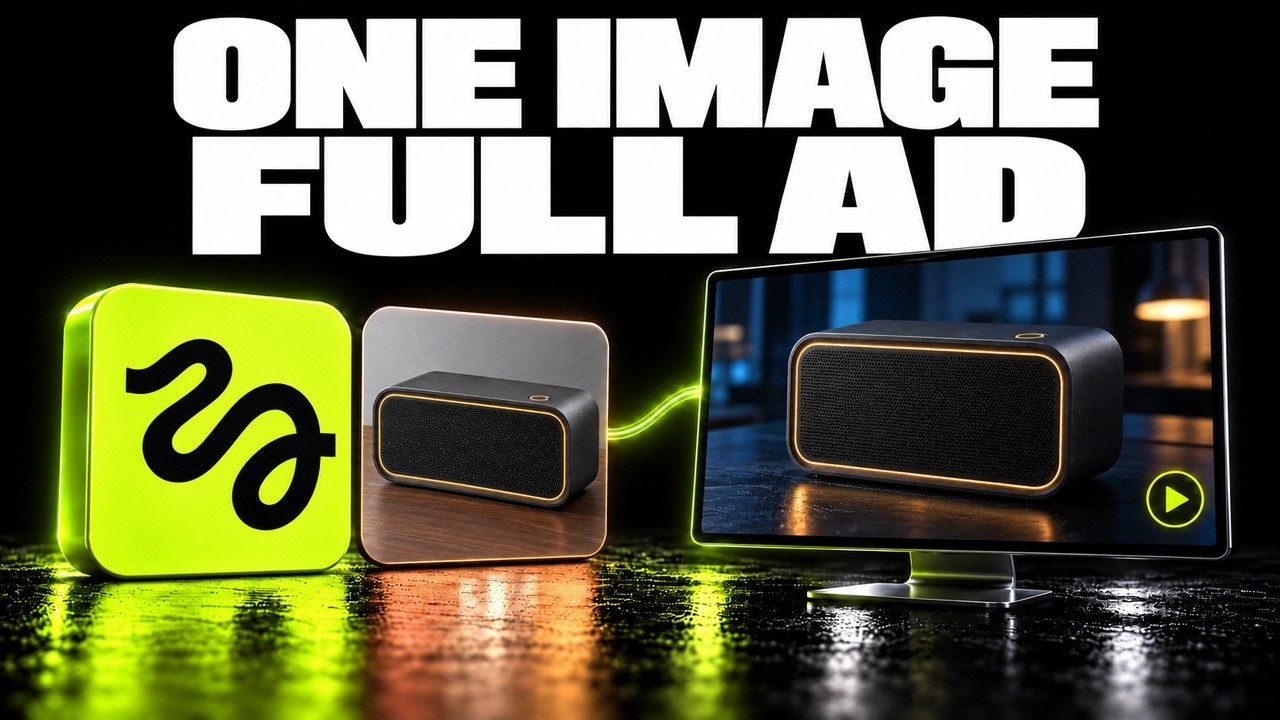
This tutorial showcases how to create a 26-second cinematic launch film from a single high-resolution image using Higgsfield AI’s imagetovideo tool, emphasizing the importance of a clean source image, modular shot composition, and practical adjustments like cropping to achieve desired camera movements. Despite minor compromises in lighting and framing, the project efficiently used credits and local editing to produce a polished commercial, encouraging users to experiment with restrained camera moves and multiple angles on the Higgsfield platform.
This tutorial demonstrates how to create a 26-second cinematic launch film from a single high-resolution still image using Higgsfield AI’s imagetovideo tool. The example features a fictional charcoal desktop speaker concept generated via GPT image 2 on the Higgsfield website. The process begins by locking in a clean, unambiguous source image that serves as the visual baseline for the entire video. Key features such as the amber outline, front grill texture, and circular button are tracked across shots to maintain physical identity and consistency throughout the animation.
The video is composed of four distinct shots, each serving a specific visual purpose: a close-up macro push to highlight material detail, a restrained orbit to reveal the full silhouette, a lighting shift to create a moody night workspace atmosphere, and a pack shot pullback designed to provide space for titles. Treating each shot as an independent job allows for practical troubleshooting and resubmission if any camera movement or framing issues arise, without affecting the other angles. This modular approach streamlines the workflow and ensures flexibility.
One challenge encountered was achieving a tight close-up shot. Initially, the camera movement was too subtle because the full-frame hero image anchored the shot, preventing the camera from moving closer despite prompt instructions. The solution was to crop the original still tightly around the front corner, which then successfully held the close framing throughout the clip. This highlights the importance of cropping the source image to focus the camera on existing details, as prompt changes alone cannot guarantee framing adjustments once motion begins.
While most shots met expectations, some practical compromises were necessary. For example, the workspace lighting shift successfully transformed the scene from day to night while keeping the speaker recognizable. However, the pack shot pullback missed the exact background and placement targets, settling with a partly gray background instead of pure black and a more centered speaker. Rather than spending additional credits to perfect these details, the team accepted these minor imperfections and proceeded to local assembly and editing.
The final film was assembled locally by selecting specific source windows from each shot to avoid repetitive resets to the wide starting frame, maintaining a smooth visual progression. The 26-second commercial includes a 2-second hold for title placement and features a continuous original instrumental score. The entire project used 136.5 credits across one image generation and seven video submissions. The tutorial concludes by emphasizing the importance of starting with a clean, high-resolution image and testing restrained camera moves before chaining multiple angles, encouraging viewers to explore Higgsfield’s platform for their own projects.