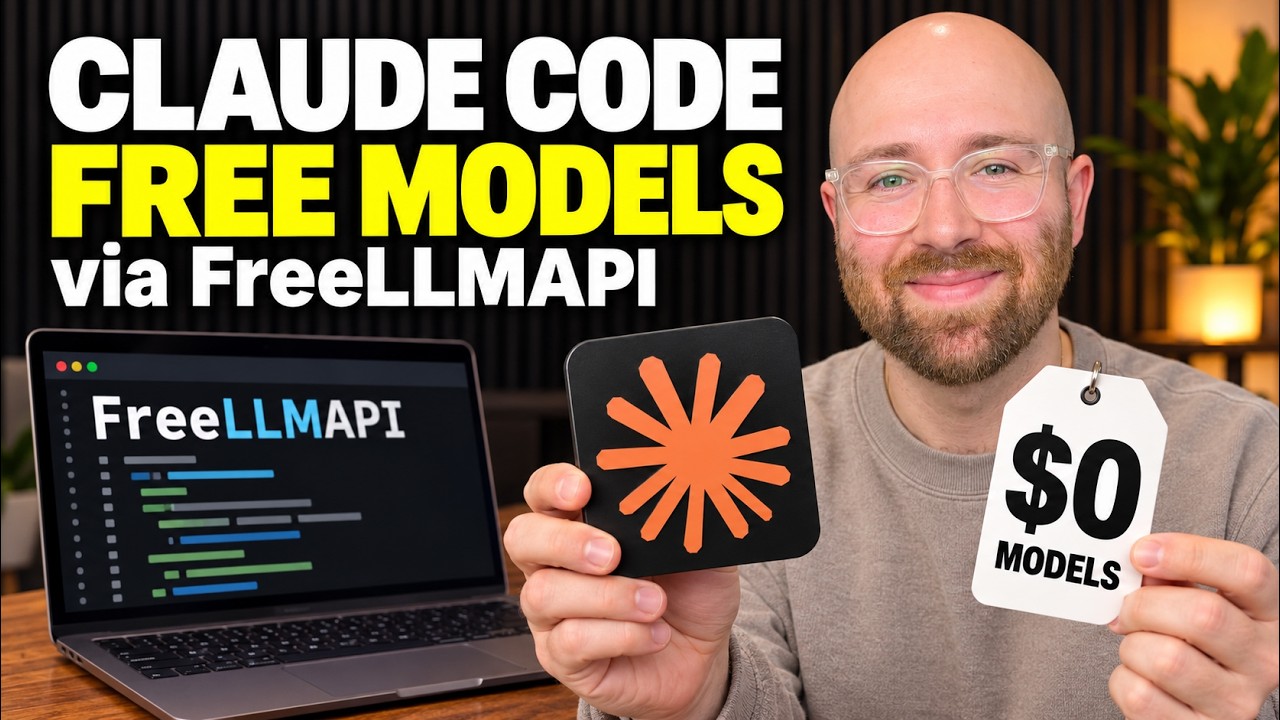
The video explains how to use the FreeLLMAPI app to connect Claude Code with multiple free AI model providers by inputting various API keys, enabling seamless switching between free tiers without logging in and out. This setup unifies free usage quotas from providers like Google and Groq into one interface, allowing users to maximize free AI access through Claude Code, though it remains an experimental integration not officially supported by Anthropic.
The video introduces a way to use Claude Code for free by connecting it to various free AI models from different providers through an app called FreeLLMAPI. This app acts as a router that manages multiple free allowances from different AI providers, allowing users to seamlessly switch between them without needing to log out and log back in. While this setup does not grant free access to Anthropic’s Claude models directly, it enables users to bring their own API keys from providers like Google and Groq, leveraging their free tiers through Claude Code’s interface.
To get started, users need to download the FreeLLMAPI desktop app from its GitHub Releases page, install it, and then input their API keys from different providers into the app. For example, Google API keys can be created via Google AI Studio, and Groq keys through the Groq console. Once these keys are added, FreeLLMAPI provides a unified key that connects Claude Code to the router, which then decides which provider’s free allowance to use for each request. This setup allows users to combine multiple free quotas from different providers into one streamlined experience.
Users can select and prioritize the models they want to use within FreeLLMAPI, setting a fallback order so that if one provider’s free limit is reached, the router automatically switches to another. However, this fallback mechanism means the model responding to a request might change, which could affect performance or consistency, especially for complex coding or research tasks. The video also demonstrates how to connect Claude Code to FreeLLMAPI by running the launcher with the unified key and verifying that requests are routed correctly to the chosen providers.
An example project is shown where a simple video brief checklist is created within Claude Code, with features to save the brief, checklist items, and their completion status in the browser’s local storage. This example highlights how the integration works in practice, maintaining state across page refreshes without external dependencies. The video also mentions that additional providers like OpenRouter can be added to FreeLLMAPI, offering more free model options, though users should check each provider’s free tier limits and account requirements.
Overall, the appeal of FreeLLMAPI lies in its ability to unify multiple free AI model accounts into a single router, simplifying the management of free usage quotas across providers. This is especially useful for users who want to maximize their free allowances without juggling multiple accounts or manually switching between services. While the integration with Claude Code is experimental and not officially supported by Anthropic, it offers a practical solution for accessing a variety of free AI models through one interface. The video encourages viewers to try the setup and share their thoughts in the comments.
Useful Links