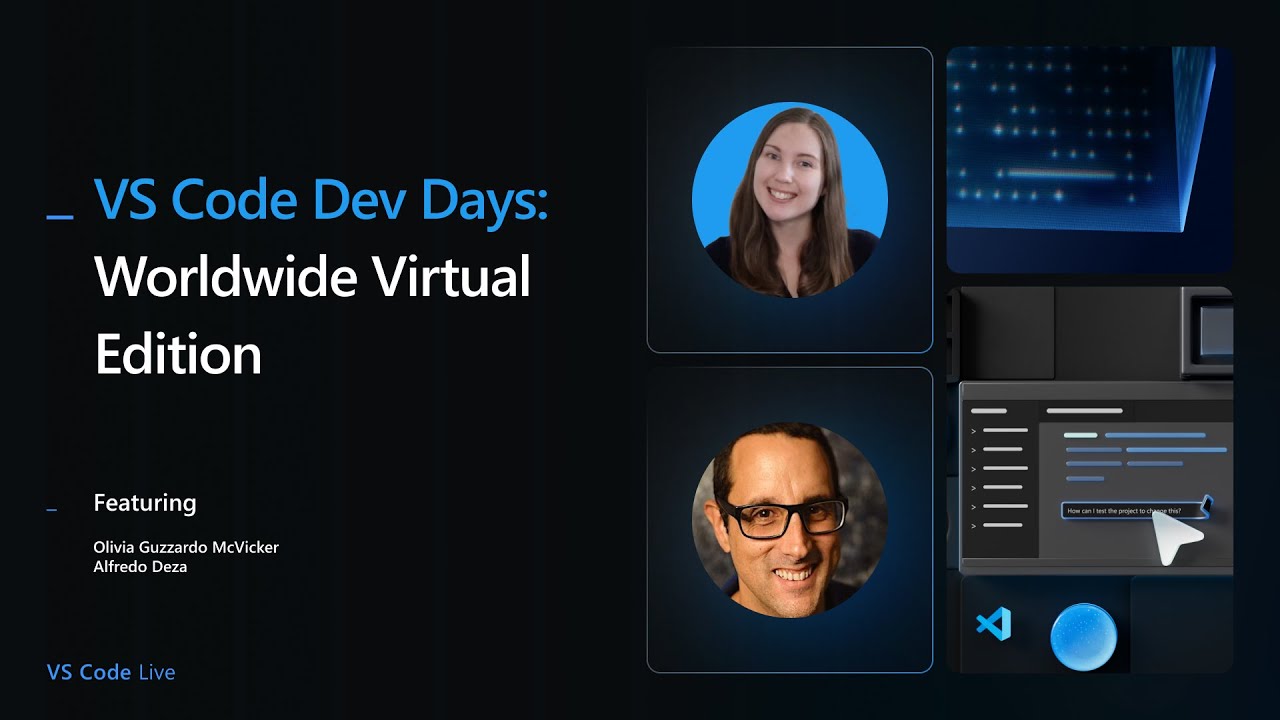
The VS Code Dev Days Worldwide Virtual Edition live stream, hosted by Olivia from the VS Code team, kicked off with an introduction to the event series and its global reach. These community events focus on scaling up knowledge and usage of GitHub Copilot and VS Code, taking place both in-person worldwide and virtually to connect developers everywhere. Olivia emphasized the interactive nature of the live stream, encouraging viewers to participate actively with questions and comments. The session aimed to cover what VS Code is as an open-source AI editor and provide tips and tricks for maximizing GitHub Copilot, catering to users of all experience levels.
Olivia and guest Alfredo Desa discussed GitHub Copilot as an AI pair programmer designed to help developers code faster and better by handling routine tasks like documentation and testing, allowing humans to focus on problem-solving. They addressed common misconceptions about AI coding tools, stressing that Copilot is a supportive tool rather than a replacement for developers. Alfredo highlighted the importance of balance—using AI assistance while maintaining code review and understanding, much like traditional pair programming. Both agreed that clear intent and context are crucial for Copilot to provide useful suggestions, and that developers remain in control of their code.
The live stream demonstrated GitHub Copilot’s two main AI features in VS Code: completions and chat. Completions provide inline code suggestions as ghost text, predicting code based on what the user types, while chat offers a conversational interface with three modes—ask, edit, and agent—each granting increasing levels of autonomy to Copilot. Agent mode, the most powerful, can edit files across projects, run terminal commands, and use various tools to automate complex workflows. Olivia showcased how these modes work in practice, illustrating how Copilot can assist from simple code generation to managing multi-step development tasks.
Alfredo presented an advanced demo addressing a common challenge: working with unknown or private codebases and frameworks that Copilot’s training data does not cover. He created a fictitious Python web framework called “Blaster 2000” by renaming an existing framework to simulate a scenario where Copilot has no prior knowledge. By generating a comprehensive markdown file with examples and instructions tailored for Copilot, he demonstrated how to provide the AI with the necessary context to understand and work effectively with unfamiliar code. This approach enables Copilot to offer accurate suggestions even for proprietary or newly developed libraries.
The session concluded with a discussion on the open-source nature of VS Code and the GitHub Copilot Chat extension, encouraging community contributions and transparency. Alfredo and Olivia answered audience questions about managing context, model selection, and best practices for using Copilot instructions to customize AI behavior, such as enforcing coding styles or ignoring sensitive files. They emphasized the iterative nature of working with AI tools and the importance of experimentation and refinement. Overall, the event showcased how GitHub Copilot, integrated into VS Code, empowers developers by combining AI assistance with human expertise in a flexible, open-source environment.