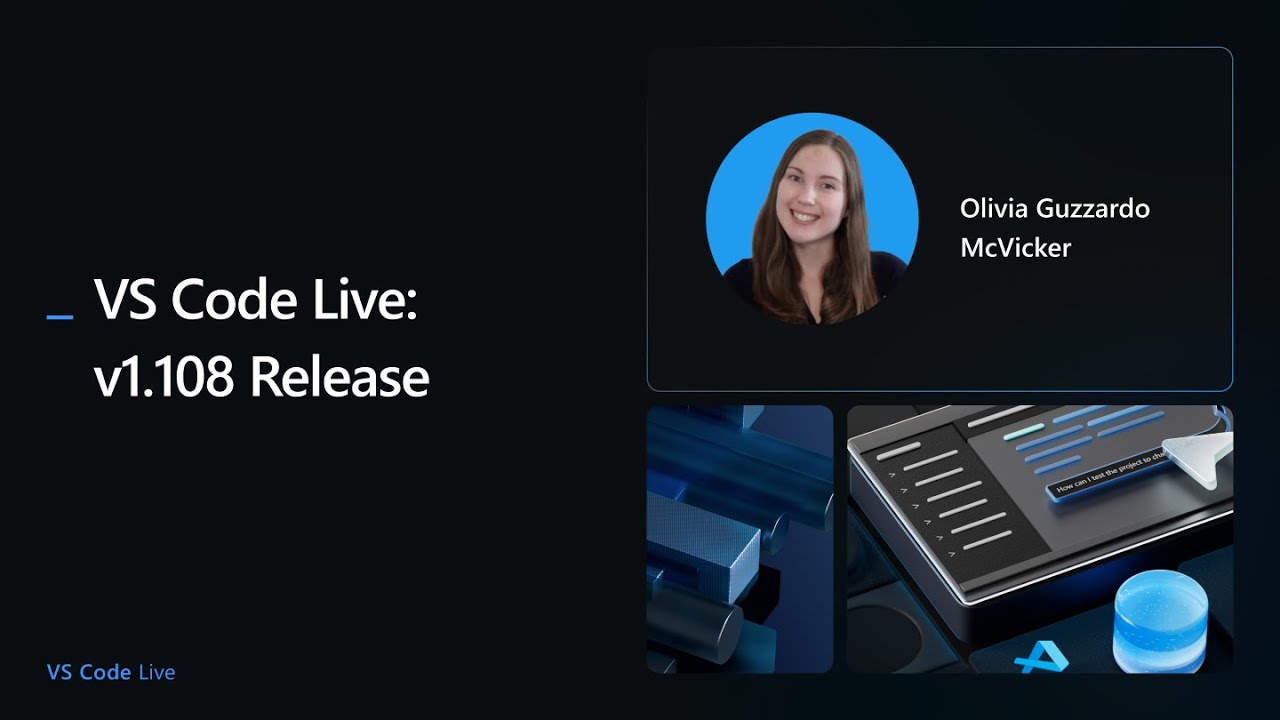
The video is a live stream celebrating the release of Visual Studio Code version 1.108, hosted by Olivia from the VS Code team. She opens the stream by welcoming viewers, encouraging participation in the chat, and expressing excitement for the first release live stream of the year. Olivia highlights the importance of contributors to the open-source project, scrolling through the list of those who helped make the release possible and encouraging others to get involved via the VS Code repository. She sets the stage for a series of demos from team members, each showcasing new features and improvements in this release.
The first demo features Joel, a long-time member of the VS Code team, who introduces a newly integrated search experience on the VS Code website. Joel explains how the team wanted a faster, more intuitive search similar to the command palette in VS Code, and how he leveraged GitHub Copilot and AI tools to accelerate development. He describes the technical journey, including the use of WebAssembly and Rust, and how Copilot helped him overcome time constraints and technical hurdles. The result is “docfind,” an open-source tool for fast client-side search, which Joel encourages others to try and contribute to. He also reflects on how AI tools have changed his approach to problem-solving and increased his productivity and willingness to tackle new projects.
Next, Megan from the team demonstrates significant accessibility improvements, particularly for screen reader users. She showcases enhancements to the accessible view for chat responses, where content now streams dynamically without disrupting the user’s focus—eliminating the distracting “ding” noises that previously occurred. Megan emphasizes the importance of accessibility in VS Code, describing her collaboration with a group of power users who rely on screen readers and how their feedback directly shapes product improvements. She also mentions ongoing work to support low vision users and highlights the team’s commitment to making VS Code inclusive for all developers.
The final demo is presented by Burke, who introduces the newly released Copilot SDK. He explains that while Copilot is often associated with VS Code, the SDK allows developers to embed Copilot’s agent capabilities into any application, not just code editors. Burke demonstrates how to use the SDK to build custom tools and agents, including practical examples like generating YouTube video titles and descriptions from transcripts, and even controlling desktop windows with natural language commands. He emphasizes the flexibility and power of the SDK, noting that it supports multiple languages (TypeScript, Python, Go, and .NET) and encourages viewers to experiment and build their own applications.
Throughout the stream, the team answers questions from the chat, shares tips, and promotes community engagement, including a hackathon with prizes for building with the Copilot SDK. The session concludes with Olivia thanking the guests and viewers, teasing an extra special release event for the next month, and encouraging everyone to follow VS Code on social media for updates. The overall tone is enthusiastic and community-focused, highlighting both technical innovation and the collaborative spirit of the VS Code ecosystem.