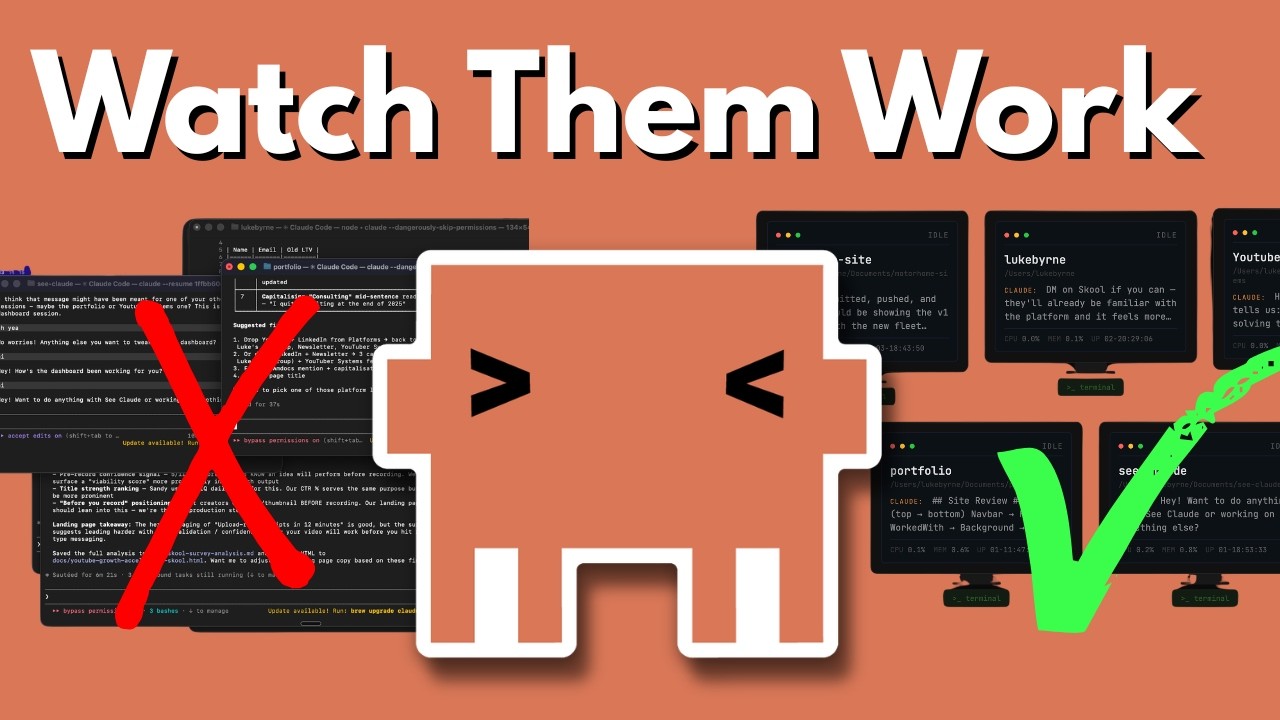
The video introduces CC Claude, a free and open-source tool that lets users manage and monitor multiple Claude Code terminals from a single, simple interface, streamlining workflow and improving organization. It highlights the tool’s ease of use, real-time status features, and community resources, inviting viewers to join and access further educational materials and the GitHub repository.
Certainly! Here’s a five-paragraph summary of the video transcript:
The video introduces a tool called CC Claude, designed to simplify the process of managing multiple Claude Code terminals. The creator expresses frustration with having to juggle several open terminals across different screens, often losing track of which ones are active or idle. CC Claude is presented as a solution to this problem, offering a centralized interface to monitor and interact with all Claude Code sessions from a single place.
CC Claude is completely free and open source, available for anyone to download and use. The tool runs locally on the user’s computer, requiring only a simple HTML file and a bit of JavaScript, with no external dependencies. The creator emphasizes its simplicity and accessibility, noting that even beginners can get started easily by following the provided instructions or cloning the repository from GitHub.
The main functionality of CC Claude includes the ability to view all active terminals, start new sessions, and access recent session history. Users can interact directly with any terminal from the interface, send messages, and resume previous sessions with a single click. The tool also allows users to select project directories and launch new terminals with custom initial messages, streamlining the workflow for managing multiple projects.
A key feature highlighted is the real-time status display for each terminal, showing whether it is idle or actively working. Users can see the names of their projects and a snippet of recent conversation history, making it easy to keep track of ongoing tasks. The interface also supports sending commands or messages directly to any terminal, further enhancing productivity and organization.
In addition to the tool itself, the creator mentions a broader community and educational resources available through their school, focused on building with Claude and AI automation. Members get early access to tools like CC Claude, as well as courses on automating tasks, building SaaS products, and developing reusable Claude skills. The video concludes with an invitation to join the community and check out the GitHub repository for CC Claude.