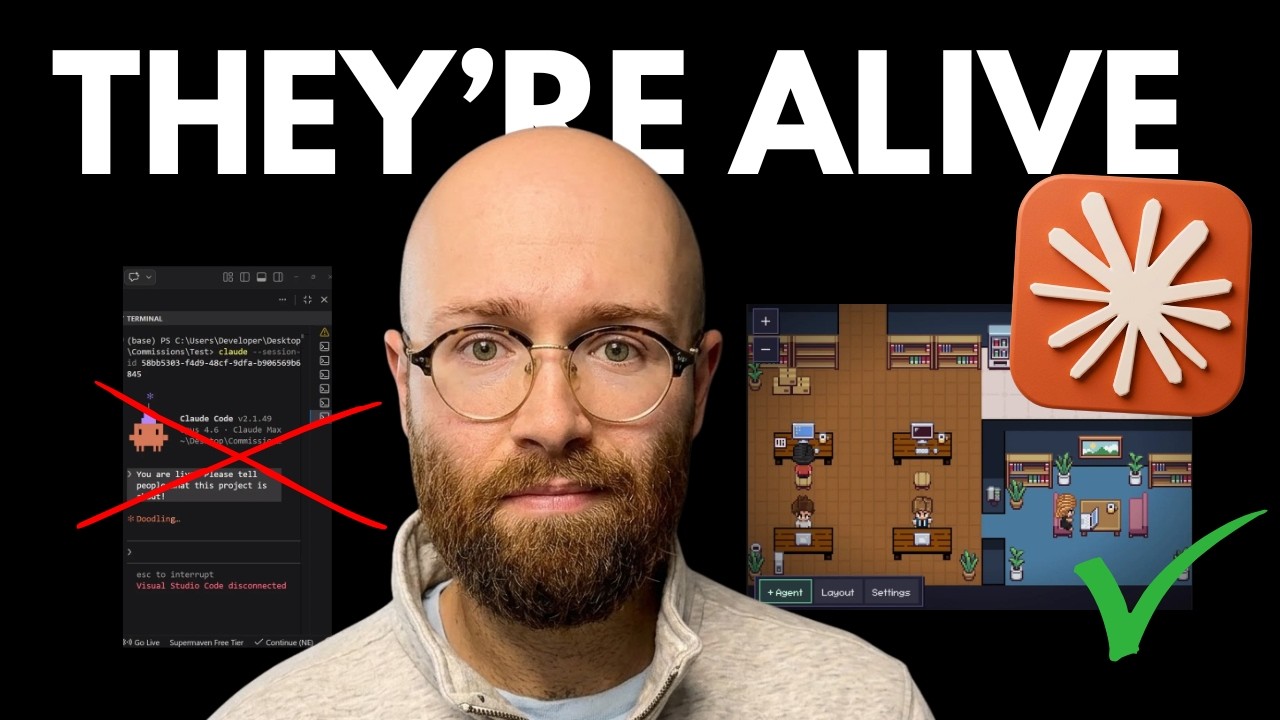
The video introduces a new feature that allows users to visualize their AI agents working directly inside Visual Studio Code (VS Code). The presenter demonstrates how multiple sessions can be viewed on the right-hand side of the interface, each representing a different agent or task. These agents, referred to as “pixel agents,” can be seen running commands, subtasks, or remaining idle, providing a clear overview of how many workers are active at any given time. This visualization is described as a significant advancement, making it much easier to manage and monitor AI workflows.
To set up this feature, the presenter walks through a simple installation process. Users are instructed to open VS Code, launch a new terminal, and search for the “Pixel Agents” extension in the Extensions marketplace. After verifying and installing the correct extension, users can immediately begin leveraging the visualization tools. The process is straightforward and takes only a couple of minutes, making it accessible even for those with minimal technical experience.
Once installed, the Pixel Agents extension allows users to see their agents in action within a dedicated panel. The presenter demonstrates how to move the Pixel Agents view for better visibility and how to add new agents with a single click. Each agent corresponds to a new terminal session, and users can monitor multiple agents simultaneously. This feature is particularly useful for those who often have several Claude sessions open, as it helps prevent confusion and accidental duplication of tasks.
The extension also offers customization options for the workspace layout. Users can adjust the number of agents displayed, modify the visual environment by adding flooring, walls, furniture, and tech items, and even undo or redo changes. Layouts can be saved, exported, or imported, and users can access the sessions folder to manage active Claude sessions. These features enhance the user experience by making the workspace both functional and visually appealing.
Towards the end of the video, the presenter mentions the relaunch of their community and a master class focused on building AI tools using Claude Code. The course includes daily build logs, web design prompts, and guidance on shipping a SaaS product, all for a reduced pre-launch rate. The presenter emphasizes the value of the Pixel Agents extension in streamlining workflows and encourages viewers to try it out, highlighting its usefulness for anyone managing multiple AI-driven tasks within VS Code.