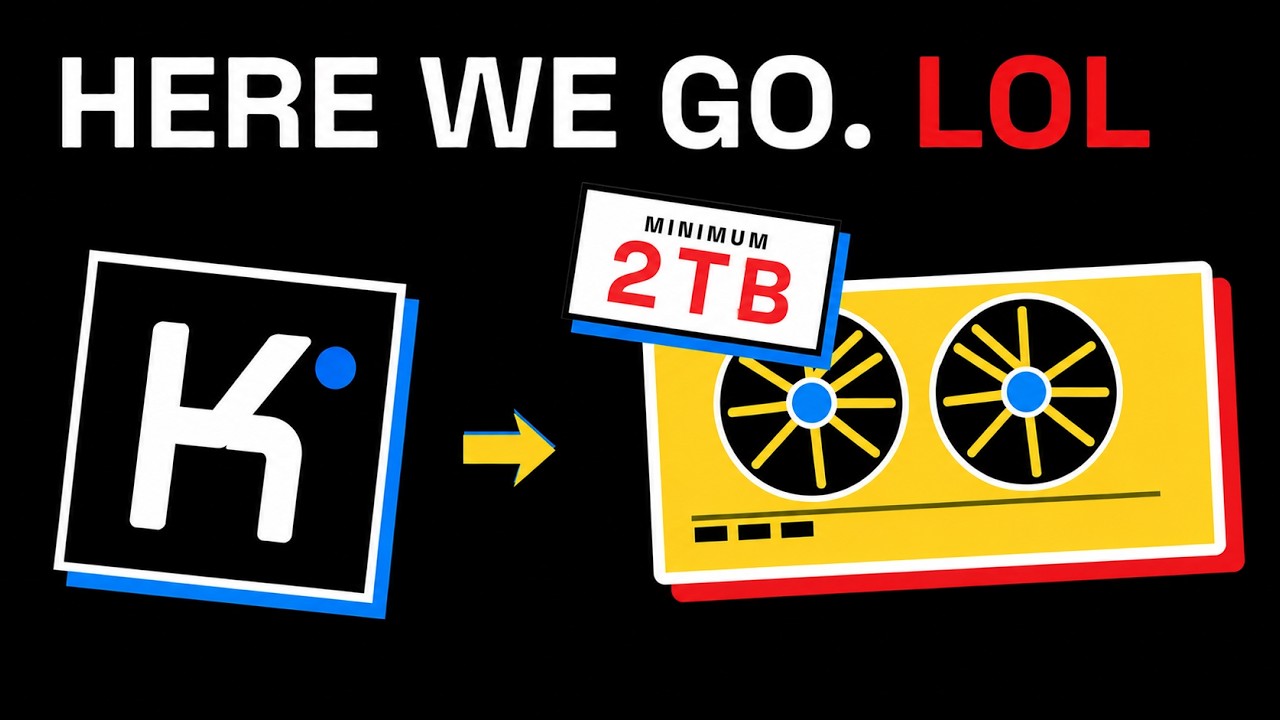
The video explores the feasibility and hardware requirements for running the Kimi K3, a massive open AI model with 2.8 trillion parameters and a 1 million token context window, locally rather than relying on cloud services like Claude. While smaller local models can handle tasks such as coding, document summarization, and file searching efficiently on personal computers, Kimi K3’s scale demands far more substantial computing resources. The discussion is prompted by questions on social media about what kind of computer setup—ranging from Nvidia GPUs to Mac Studios—would be necessary to run the latest Kimi K3 model locally.
Kimi K3 is a mixture of experts model with 896 experts, but only 16 are active per token, which reduces computation but still requires all experts to be available in memory. The model weights are stored in a 4-bit format, resulting in approximately 1.5 terabytes of raw weight data. This alone exceeds the maximum memory capacity of the largest Mac Studio, which can be configured with up to 512 GB of unified memory, making it impossible to run the full model on such a desktop machine. Similarly, four Nvidia H100 GPUs with 80 GB each (totaling 320 GB) also fall short of the memory requirements.
The video then examines more powerful server options, such as the Nvidia DGX B200 with eight GPUs totaling 1.44 terabytes of memory, which nearly meets the raw weight storage needs but leaves very little room for runtime memory, inference software, and active conversations. The DGX B300 server, with eight GPUs and about 2.3 terabytes of memory, offers more headroom and could potentially run Kimi K3 efficiently. However, the model’s creators recommend a supernode configuration with 64 or more accelerators for optimal inference performance, indicating that running Kimi K3 locally is more of a data center-scale project than a desktop one.
When considering usage for 100 people, the hardware requirements depend heavily on the number of simultaneous active requests and the length of the prompts, as Kimi K3 supports extremely large context windows. Even with 100 users, the number of concurrent requests might be much lower, but AI agents and multitasking can increase demand. The physical infrastructure needed includes high-speed networking, power, cooling, and expert system operation, with power consumption for multiple DGX B300 servers reaching over 100 kilowatts. Renting such hardware could cost hundreds of thousands of dollars per month, making it impractical for most organizations to run Kimi K3 fully locally.
The practical takeaway is that while running Kimi K3 locally is technically possible, it requires data center-level resources and significant investment. Many companies find a hybrid approach more feasible, using smaller local models for routine or private tasks and relying on cloud-based models for the most demanding workloads. The video concludes with advice to rent hardware temporarily to test real-world performance and user satisfaction before committing to large-scale local deployments, emphasizing that smaller, scalable models often provide better value for most users than attempting to run super-large models like Kimi K3 locally.