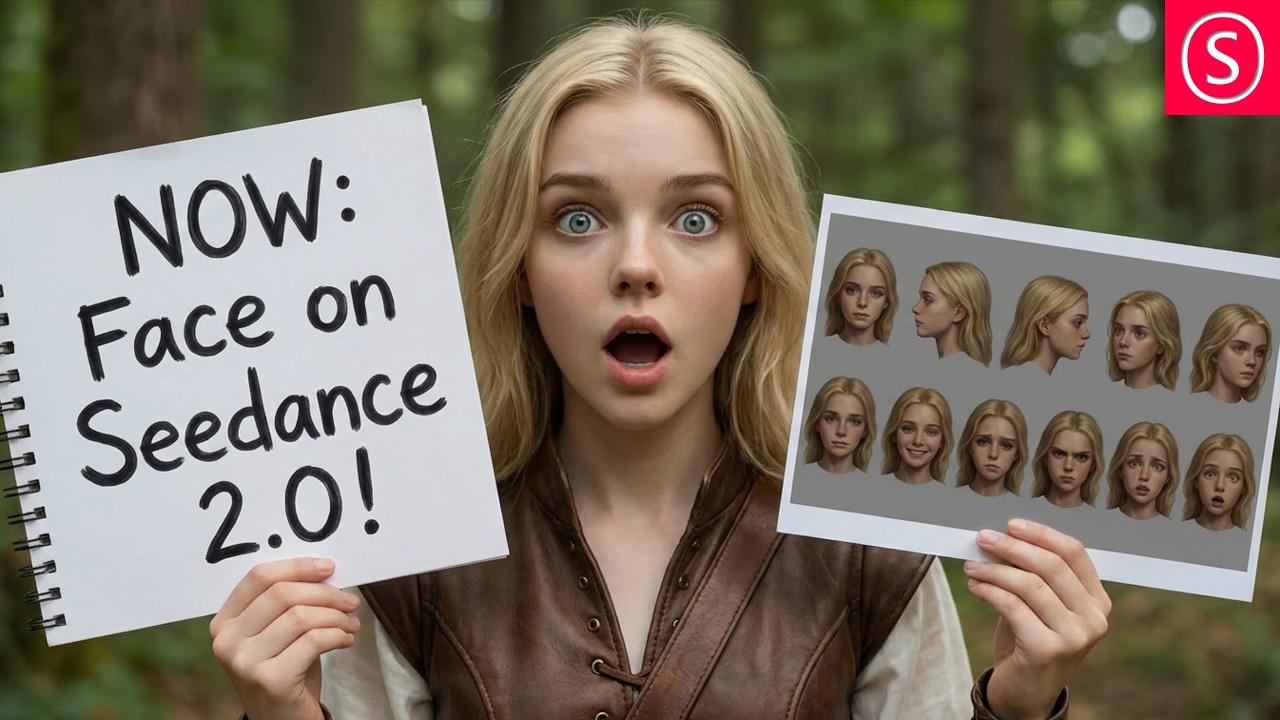
The video provides an important update about C Dance 2 on Runway, highlighting the new feature that allows users to incorporate realistic human faces into their videos. This enhancement is significant for maintaining visual consistency and enables creators to use their own or other authorized images of faces. The presenter also takes the opportunity to explain the full interface of C Dance 2, pointing out key functions such as toggling sound, credit costs for video generation, aspect ratio options including cinematic 21:9 and social media-friendly 9:16, and resolution settings. Additionally, Runway offers an integrated upscaling tool powered by Topaz AI, allowing users to enhance videos to 4K quality without needing powerful hardware.
The presenter shares practical tips to improve video quality, starting with advice on prompt creation. They recommend not including music in the prompt since C Dance 2 automatically generates film music, which is often high quality but short and incompatible with adding custom music later. Instead, users can create their own music separately and add it afterward. Another useful feature is the ability to use the last frame of a generated video as a reference for subsequent videos, which helps maintain style and location consistency. Users can export this frame, name it, and reference it in prompts to guide the AI.
To achieve even better consistency, the presenter suggests creating detailed character references using tools like Nano Banana. This involves capturing multiple facial angles (front, left, right, 45-degree angles, and possibly back) and various facial expressions to form an expression sheet. A character sheet showing front and back views, including clothing details, is also recommended. These references help the AI maintain consistent character appearance and emotional expressions throughout the video, even if the character or face is not visible in every frame. This approach can make the video more dynamic and cinematic.
The video also explains how to use the @ sign in prompts to reference specific images, such as the last frame or character sheets, and assign them roles like style reference or character guide. This technique ensures that the AI uses these images appropriately without affecting the video’s dynamics or scene transitions. The presenter emphasizes the importance of detailed time-coded scene descriptions in prompts to clearly define actions and characters, which reduces the need for re-rendering and saves time and credits.
Finally, the presenter advises reviewing AI-generated prompts carefully to ensure they accurately describe the desired actions and characters. Proper preparation and detailed descriptions lead to smoother video creation with fewer errors. The key takeaway is that the new ability to use realistic human faces in C Dance 2 opens up exciting possibilities for creators to produce personalized movies or shows with improved visual consistency and quality. The video concludes with thanks and encouragement to explore these new features.